
Inside Dictera.
Guides to every feature, what is new and what comes next, and the reasoning behind the way the app is built.
How do I take a screenshot and drag it into an email?
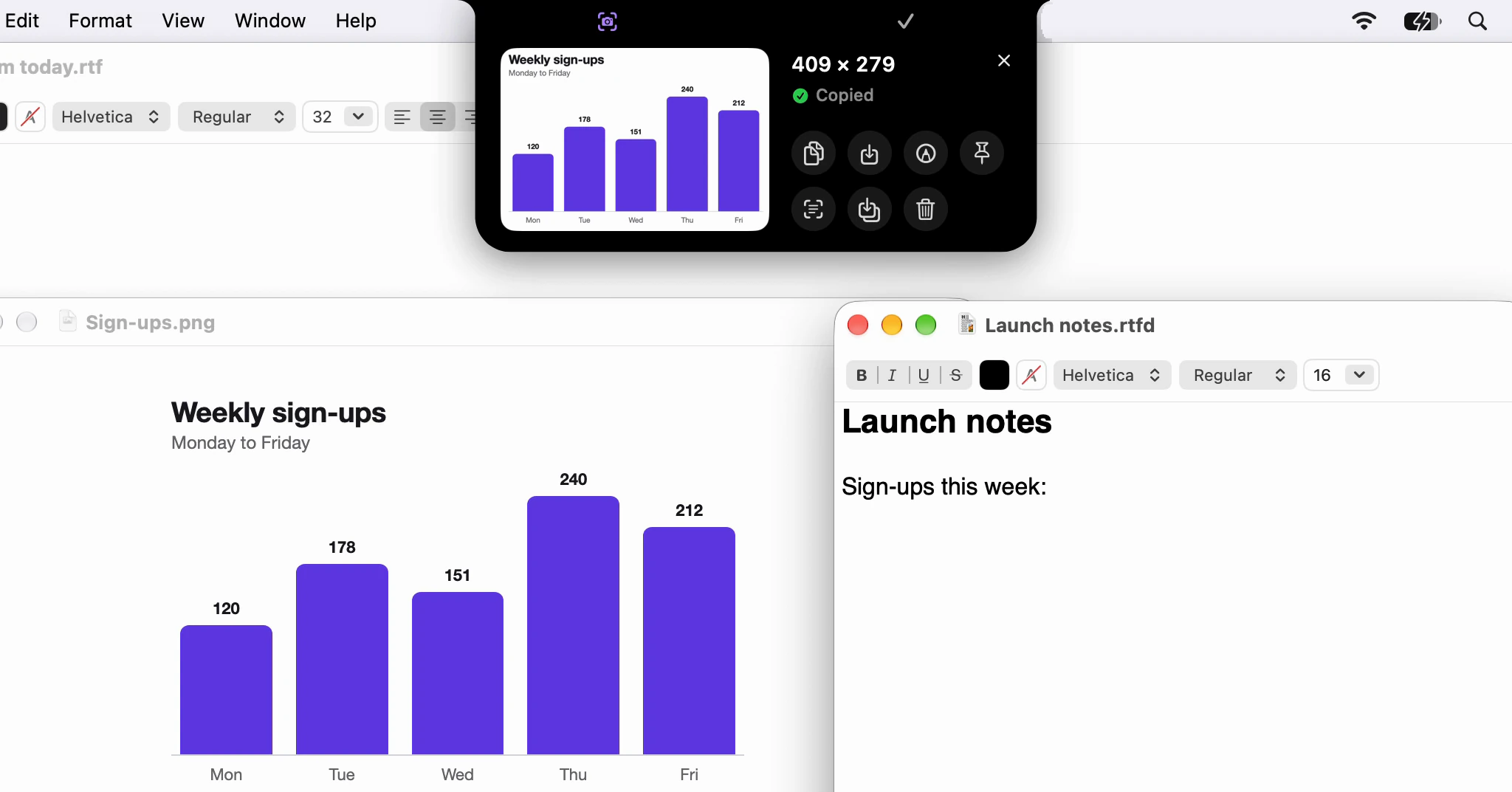
Click Screenshot in the notch, drag across what you want, then drag the card that drops out of the notch into your message. It arrives as a file, ready to send.
· 5 min read
How do I mute my microphone in every app at once?
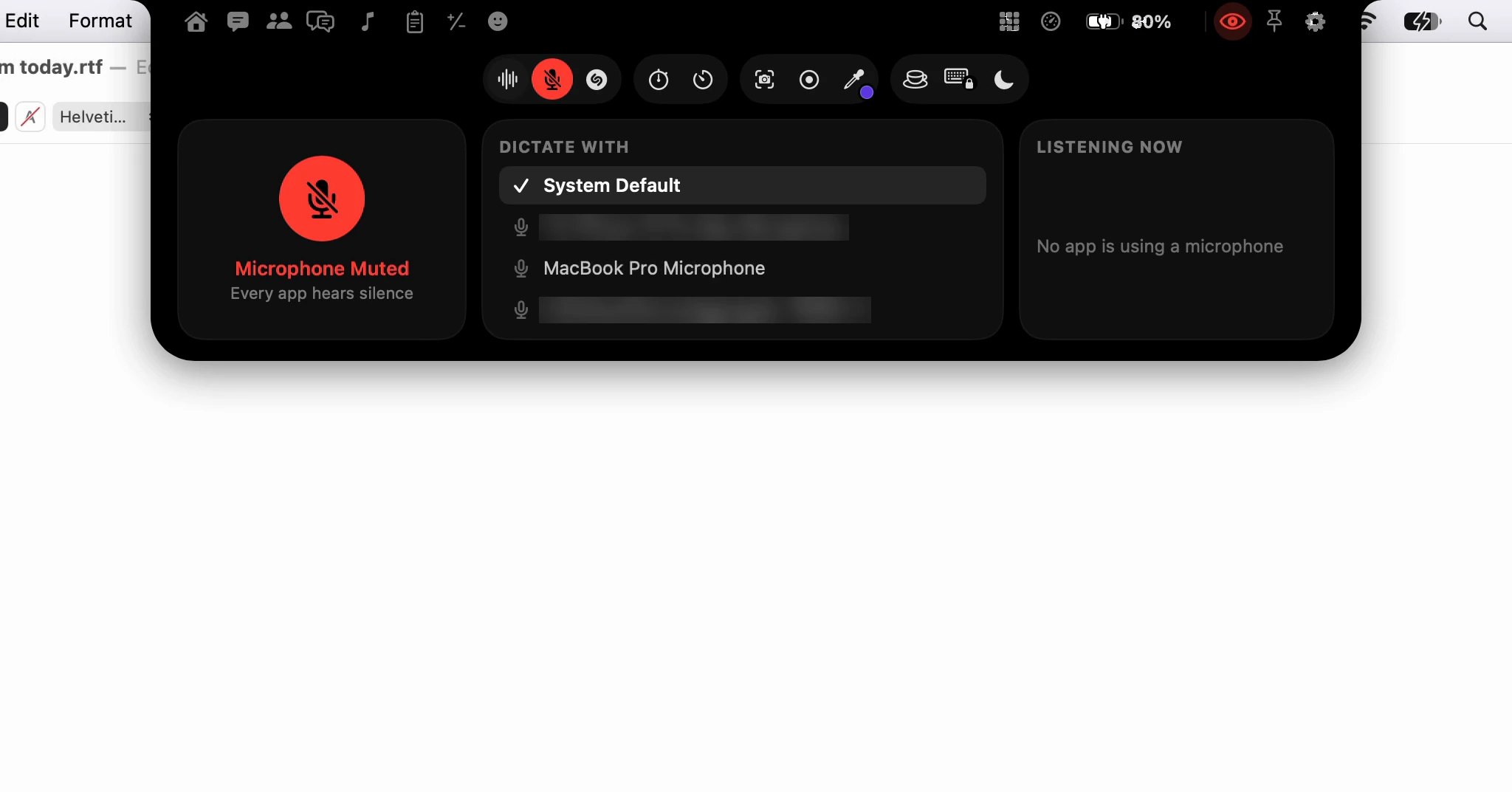
Click the microphone in the notch and every app hears silence: Zoom, the browser and a voice memo alike. The mute stays on the notch, in red, until you undo it.
· 3 min read
How do I see what's playing, and its lyrics, in the notch?
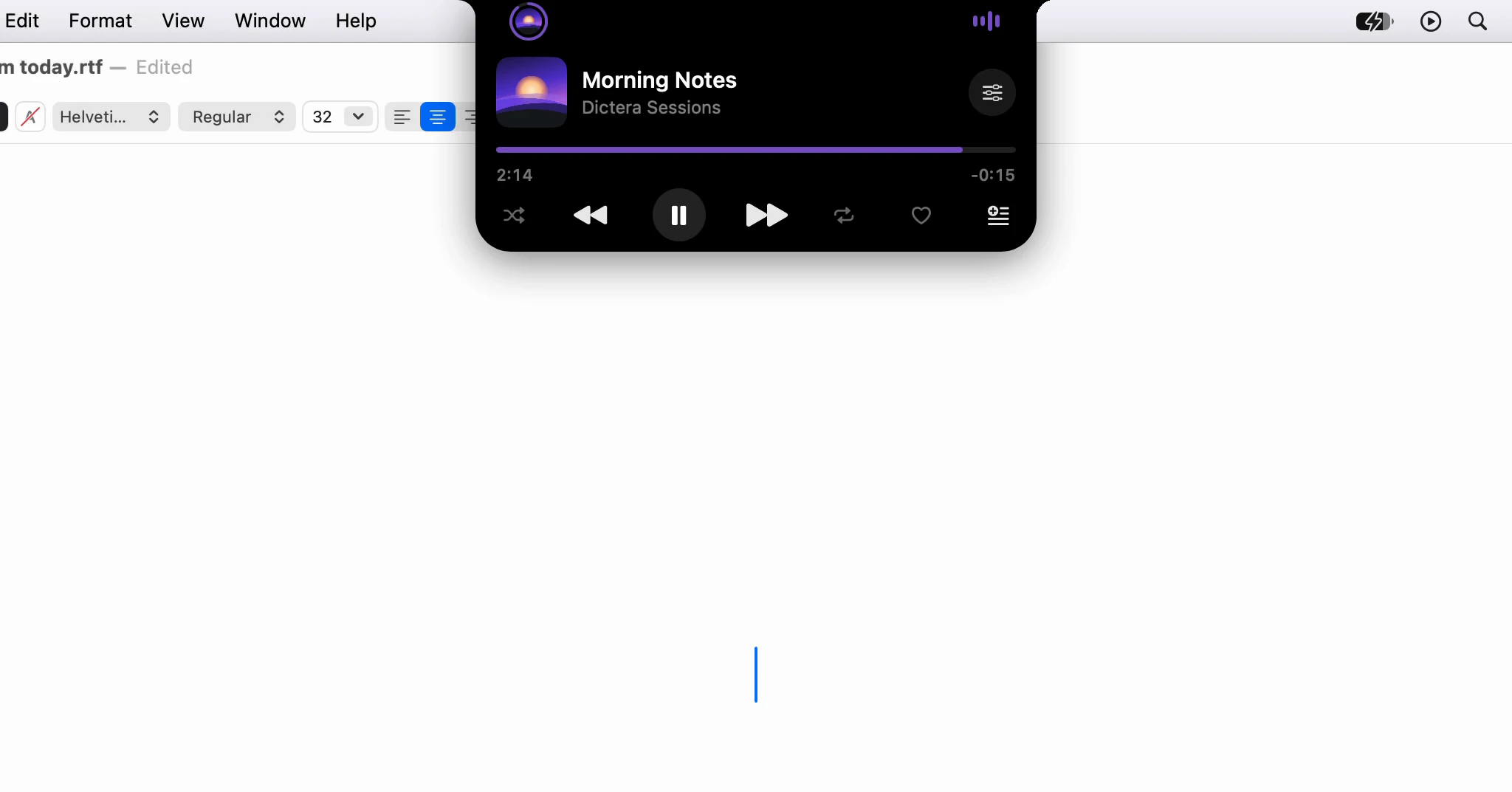
While Music plays, the notch shows the song's cover. Point at it for the controls, and open the Music page for synced lyrics that follow along.
· 3 min read
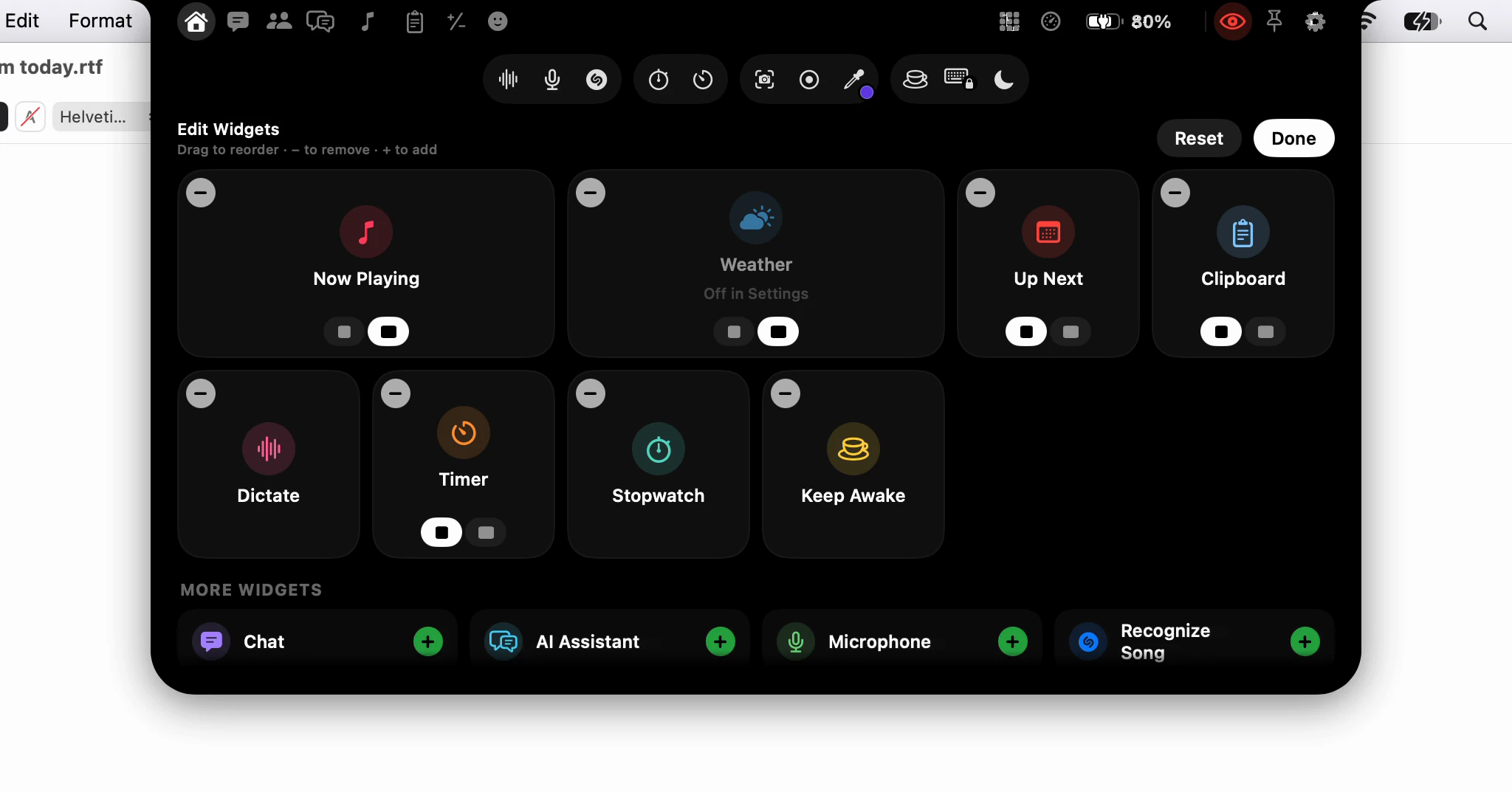
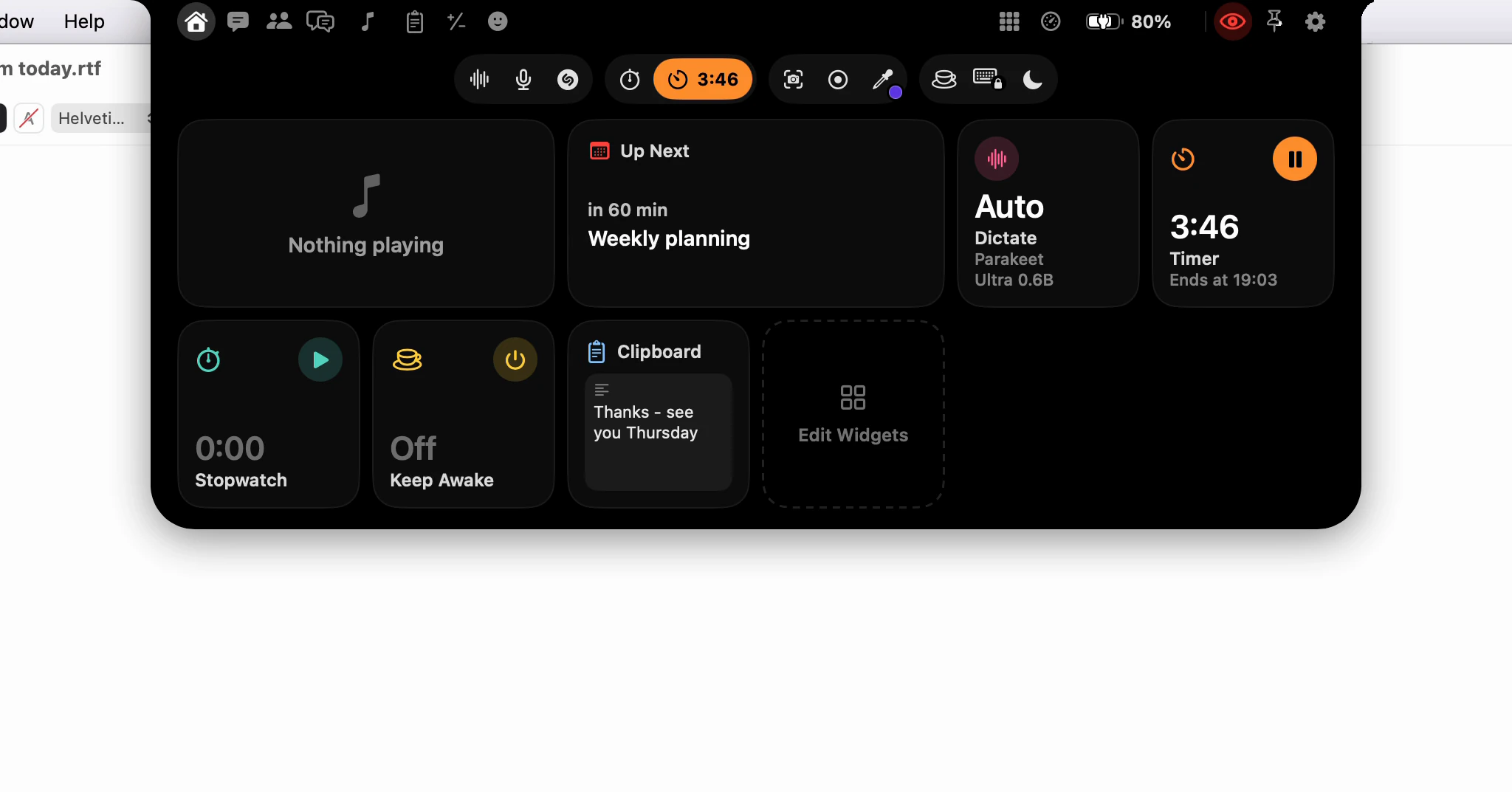
How do I make the notch's Home page show what I use?
Click Edit Widgets, the last tile on Home, then drag widgets into order, add them from the shelf, remove them with − and pick Small or Medium.
· 2 min read
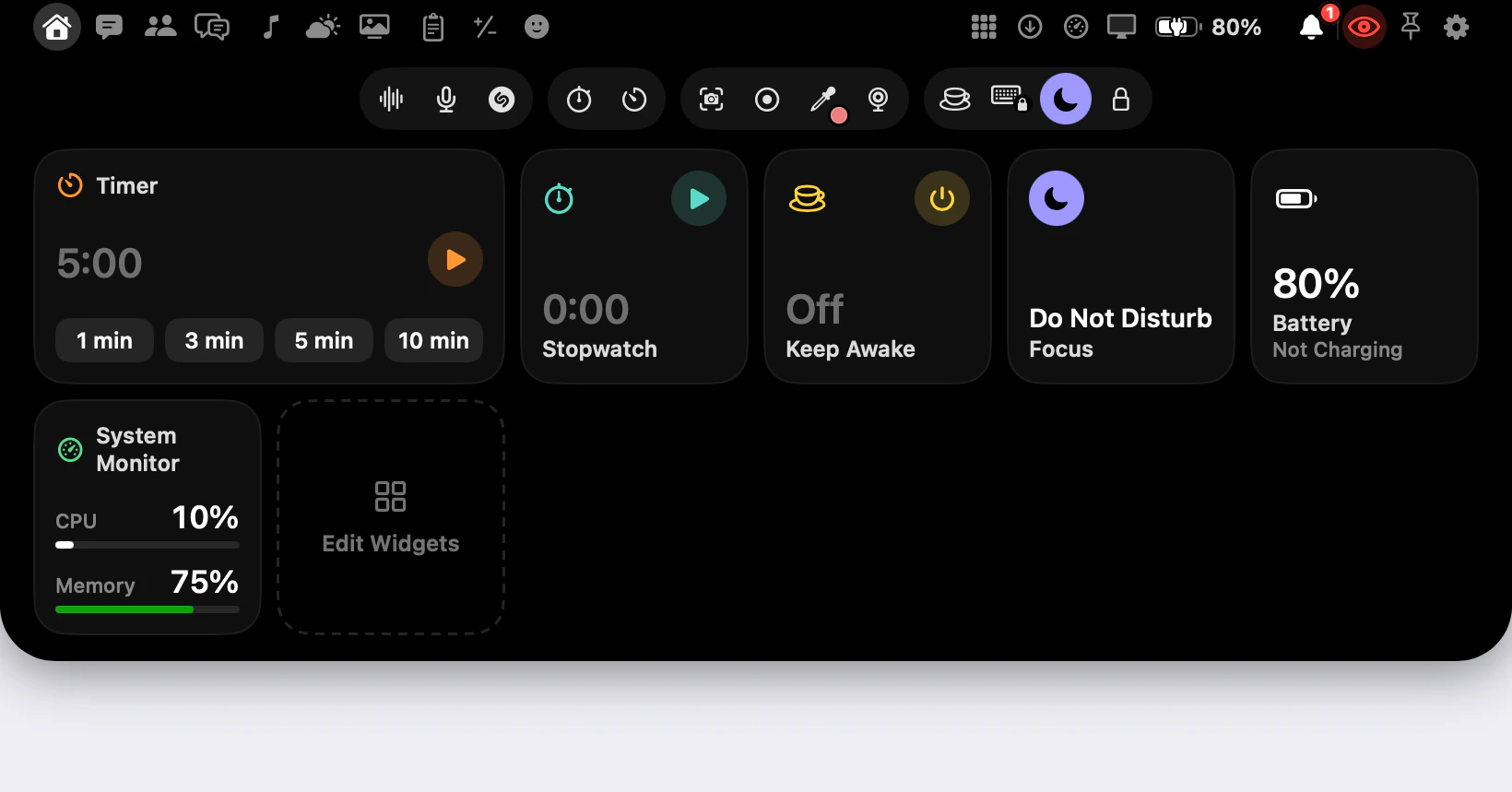
How do I keep the notch out of a screen share?
The notch and the AI Assistant panel start hidden from screen shares. The eye is the one switch that changes it, and some things stay out whatever it says.
· 2 min read
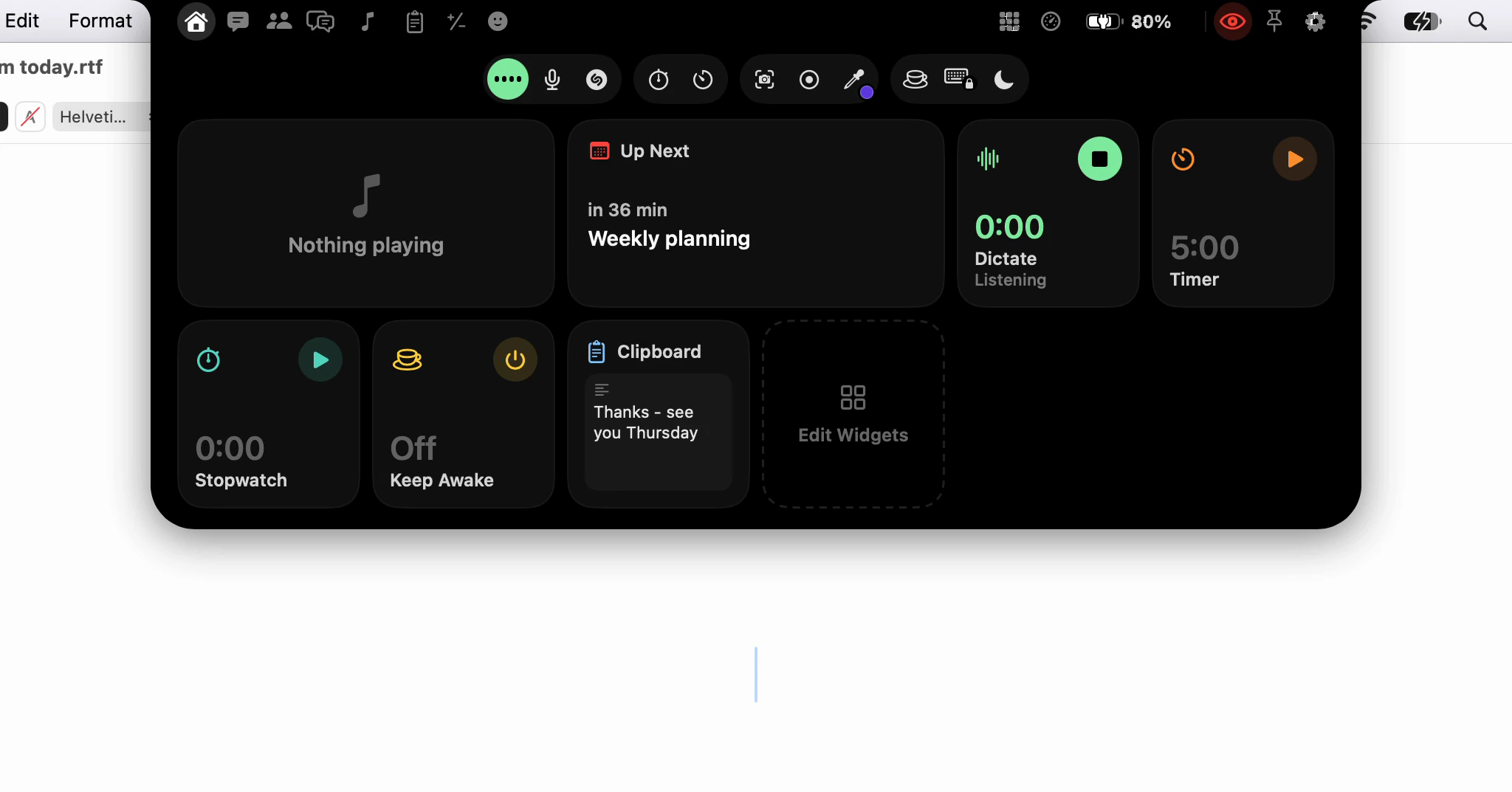
Can I start dictating with a click instead of a shortcut?
Yes: click Dictate in the notch, talk, and click again. Your words go where your cursor was, because the notch never takes the focus from your app.
· 2 min read
Why some apps hide their text from macOS
Slack, VS Code and Notion tell macOS nothing about the text you are typing until something asks. How Dictera asks, and what it does when an app still won't say.
· 5 min read
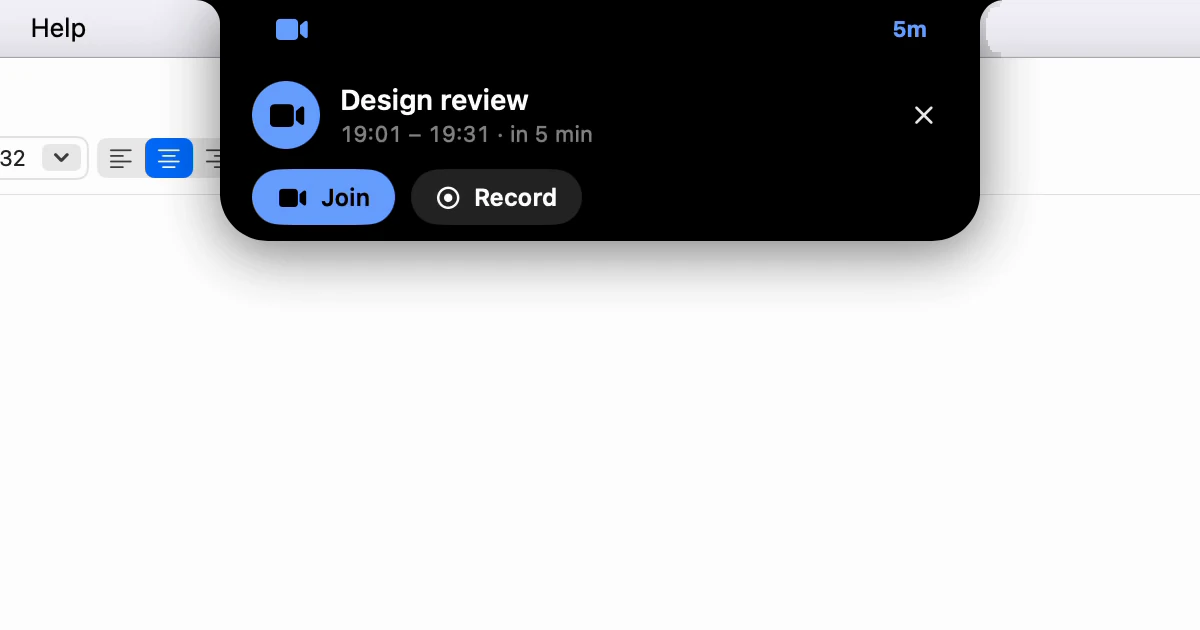
How does the notch count me down to my next meeting?
Five minutes out, the notch counts down to your next meeting with Join and Record a point away, then asks whether to record it. Silence records nothing.
· 3 min read
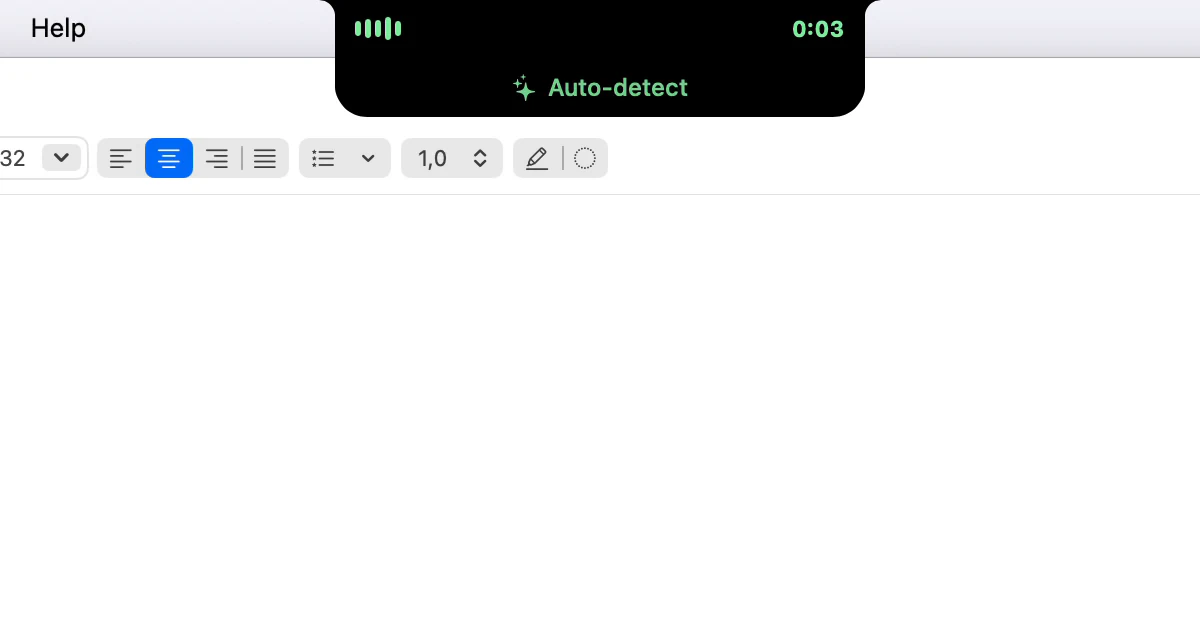
What do the colours on the notch mean while I dictate?
White, green, purple or amber: the colour around the notch says what Dictera will do with your words, before you say them. Red means your microphone is muted.
· 3 min read
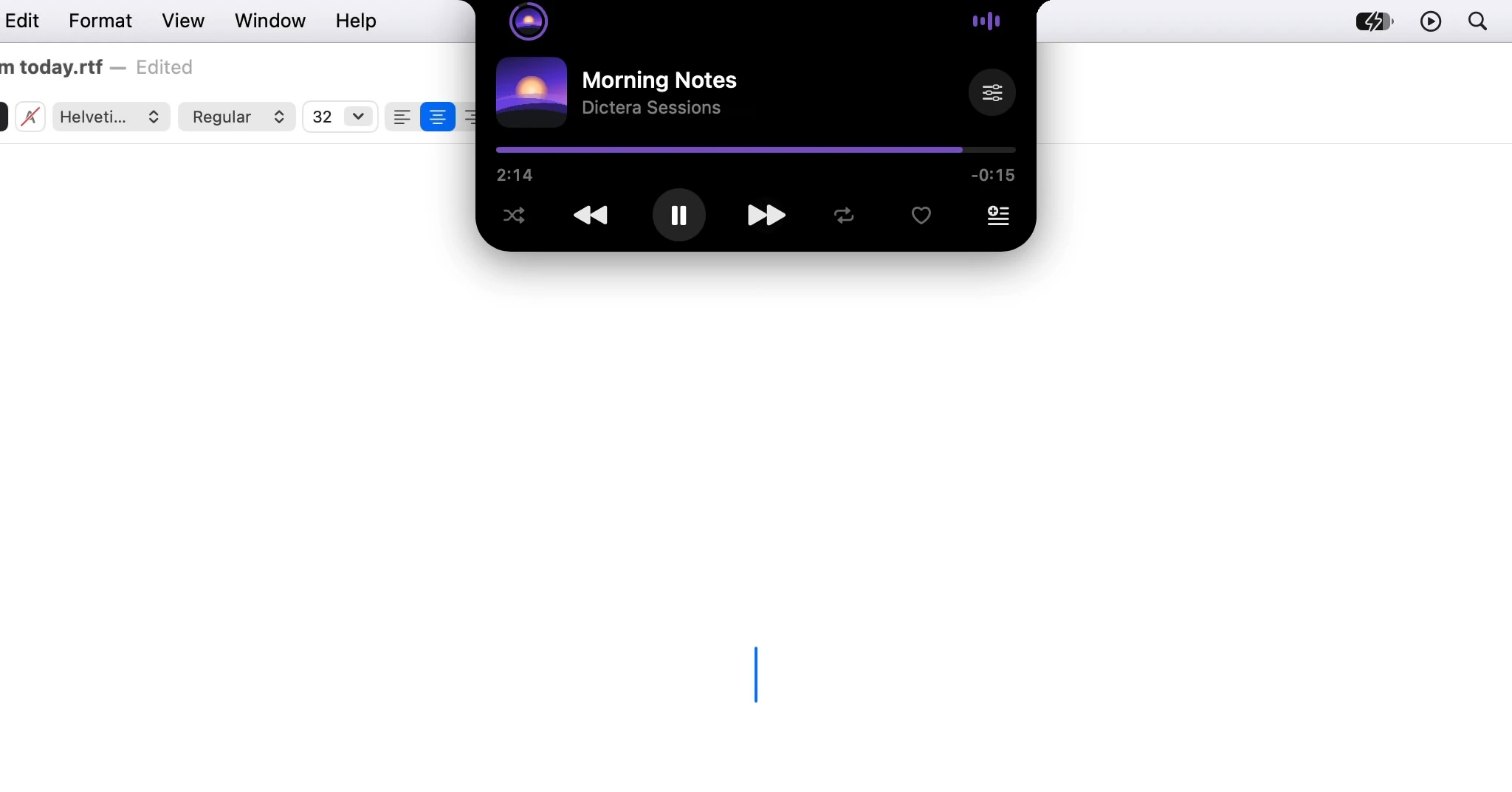
What does a notch app do that a phone's cut-out can't?
A phone's camera cut-out shows what's going on. A notch app on a Mac also holds tools, keeps your cursor where it was and follows you across displays.
· 7 min read
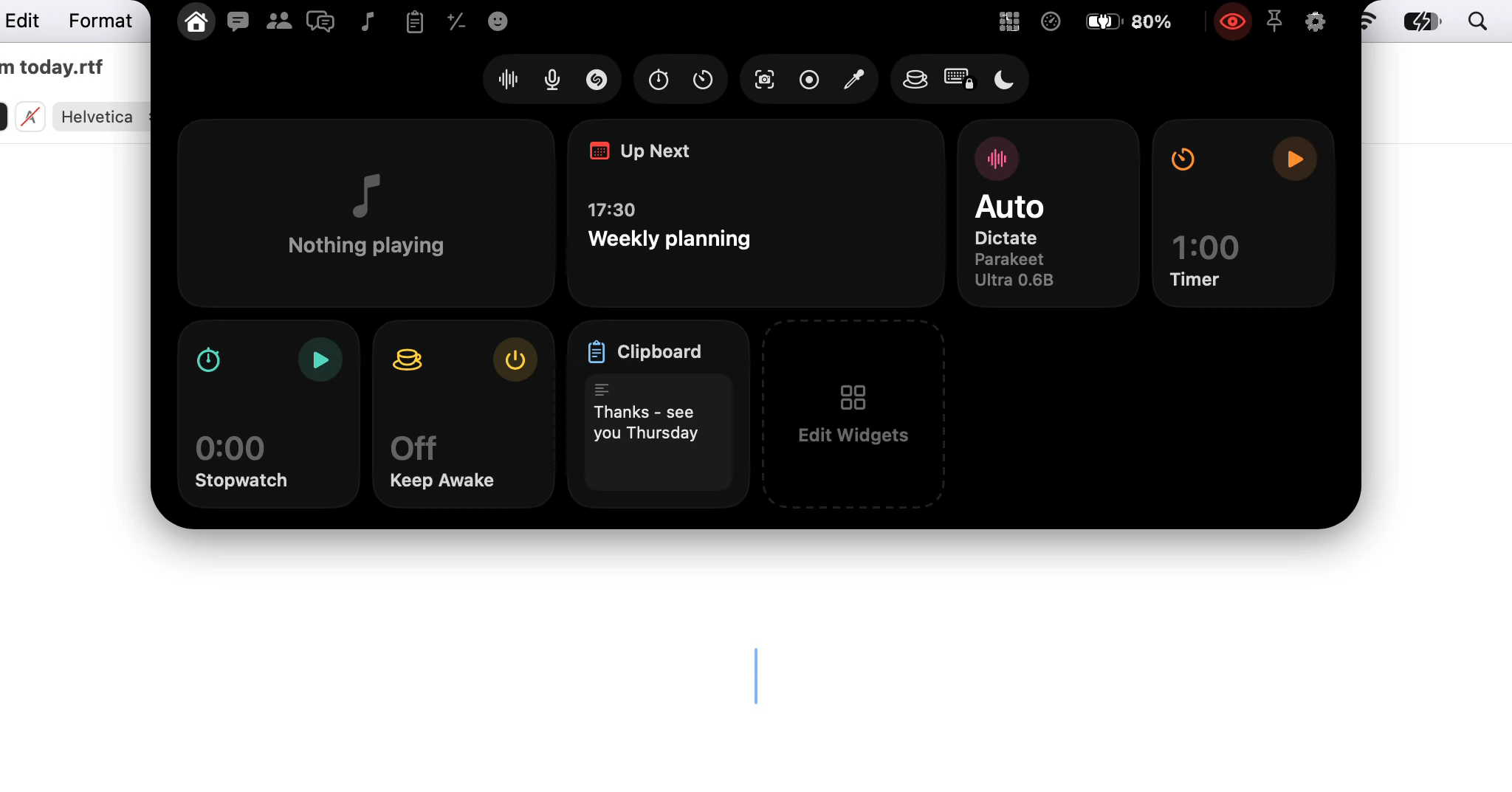
How do I open the notch: point, click or a shortcut?
Three ways to open the notch - point at it, click it, or press a key - plus Open Notch in the menu bar, and which one suits the way you work.
· 3 min read
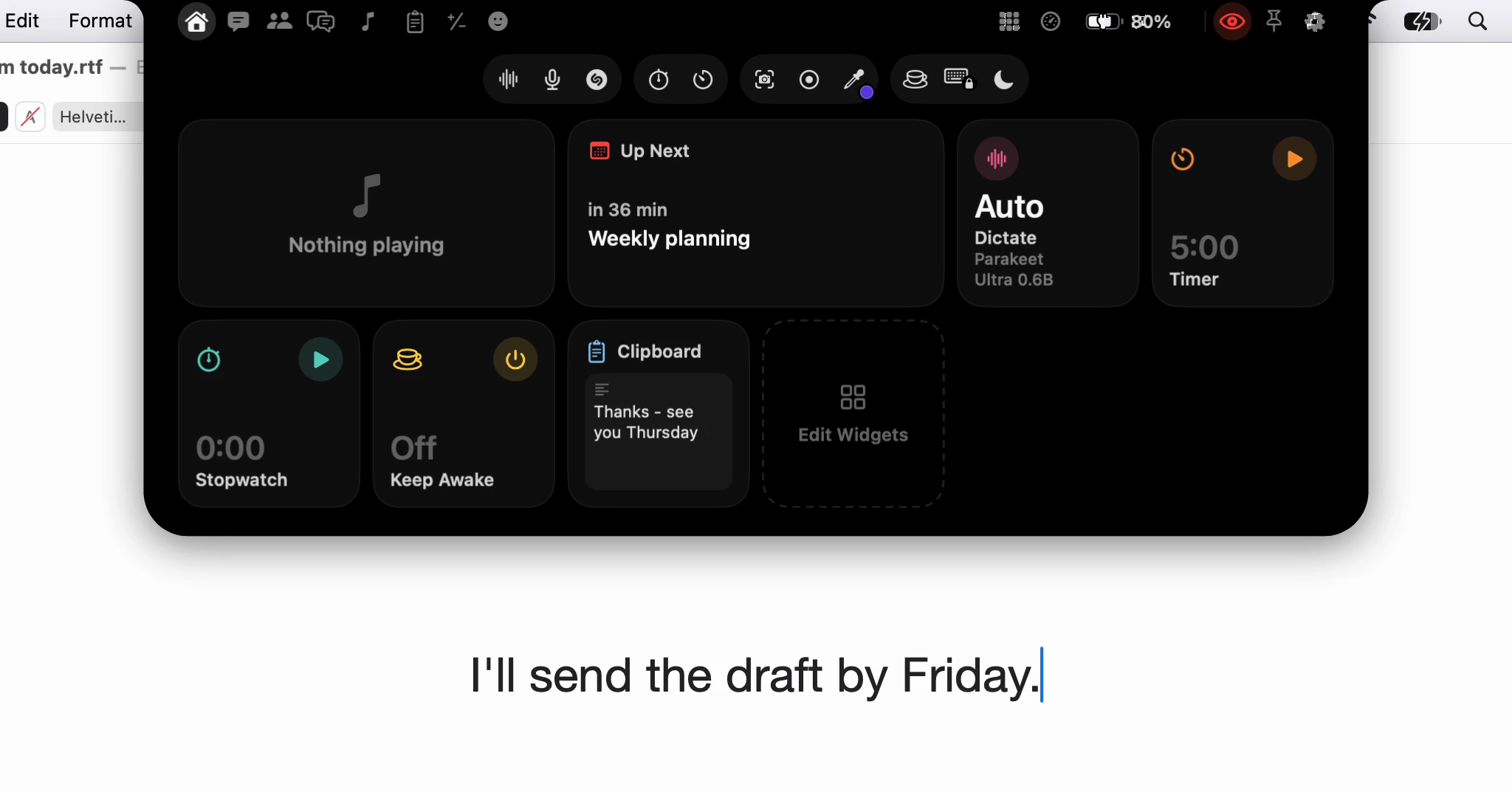
What is a notch app, and why put dictation in one?
A notch app turns the camera housing at the top of a MacBook screen into a place for tools. What Dictera keeps there, and why dictation starts there.
· 6 min read
Every new article, in your reader · Subscribe with RSS