Can I start dictating with a click instead of a shortcut?
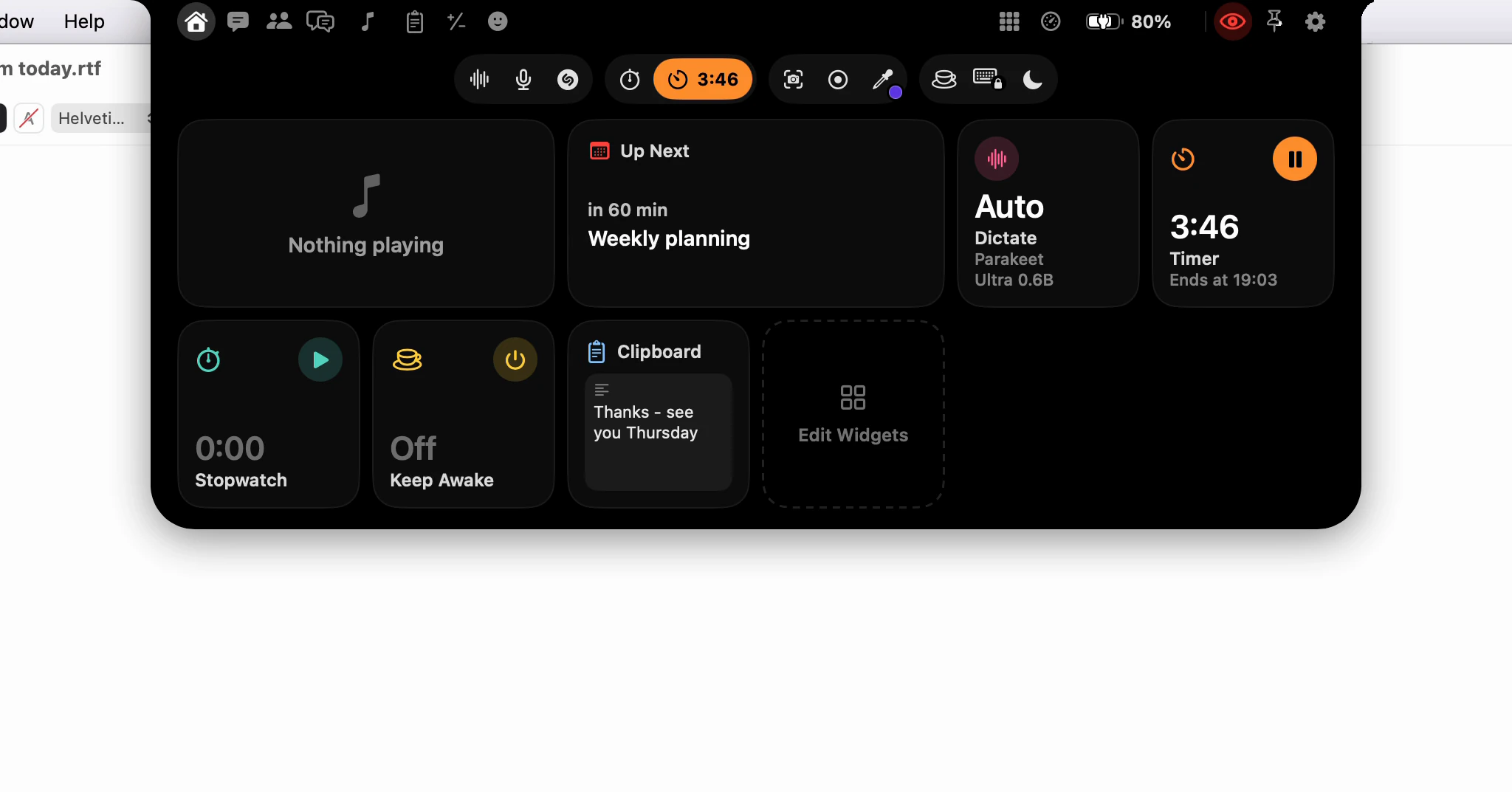
Yes. Click Dictate, the first button in the notch's row of tools, and talk. Click it again and your words are typed where your cursor was, because the notch never takes the focus away from the app you're writing in.
How do I dictate with a click?
- Click where the text should go, in any app.
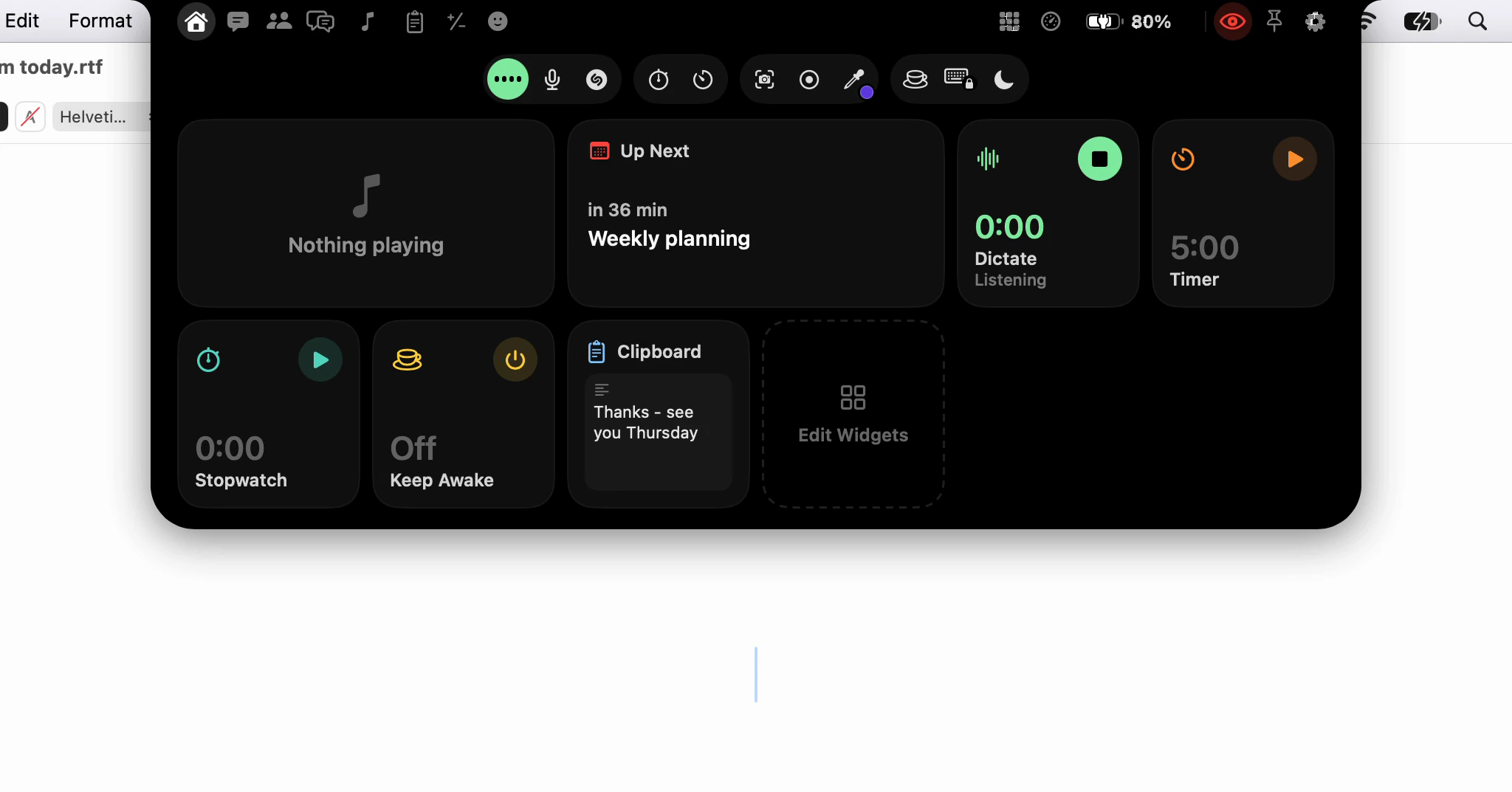
- Open the notch and click Dictate. The button lights up, and once the notch closes, the strip around it shows the level and the time.
- Talk, then click Dictate again. Or point at the strip and press Stop on the card that drops out.
The text lands at the caret you left, as it does with the shortcut. The cross on that card throws the recording away instead.

Where is the button?
Dictate is first in the row of tools, which sits at the top of every page of the notch. Home also has a Dictate widget from the start, showing the language it listens for and the speech model, with a Start Dictating button that does the same.
Is it the same dictation as the shortcut?
Yes: the same language, speech model and cleanup. Two things differ. There is no key to hold, so it runs until you end it, like a double-tap. And a click never translates; Translate Dictation keeps its own shortcut.
The rest of your settings still apply. With stop on silence on, going quiet ends it. Esc does what Esc while recording in Settings ▸ Dictation ▸ Recording says, and out of the box that throws the recording away.
What happens if I hold it?
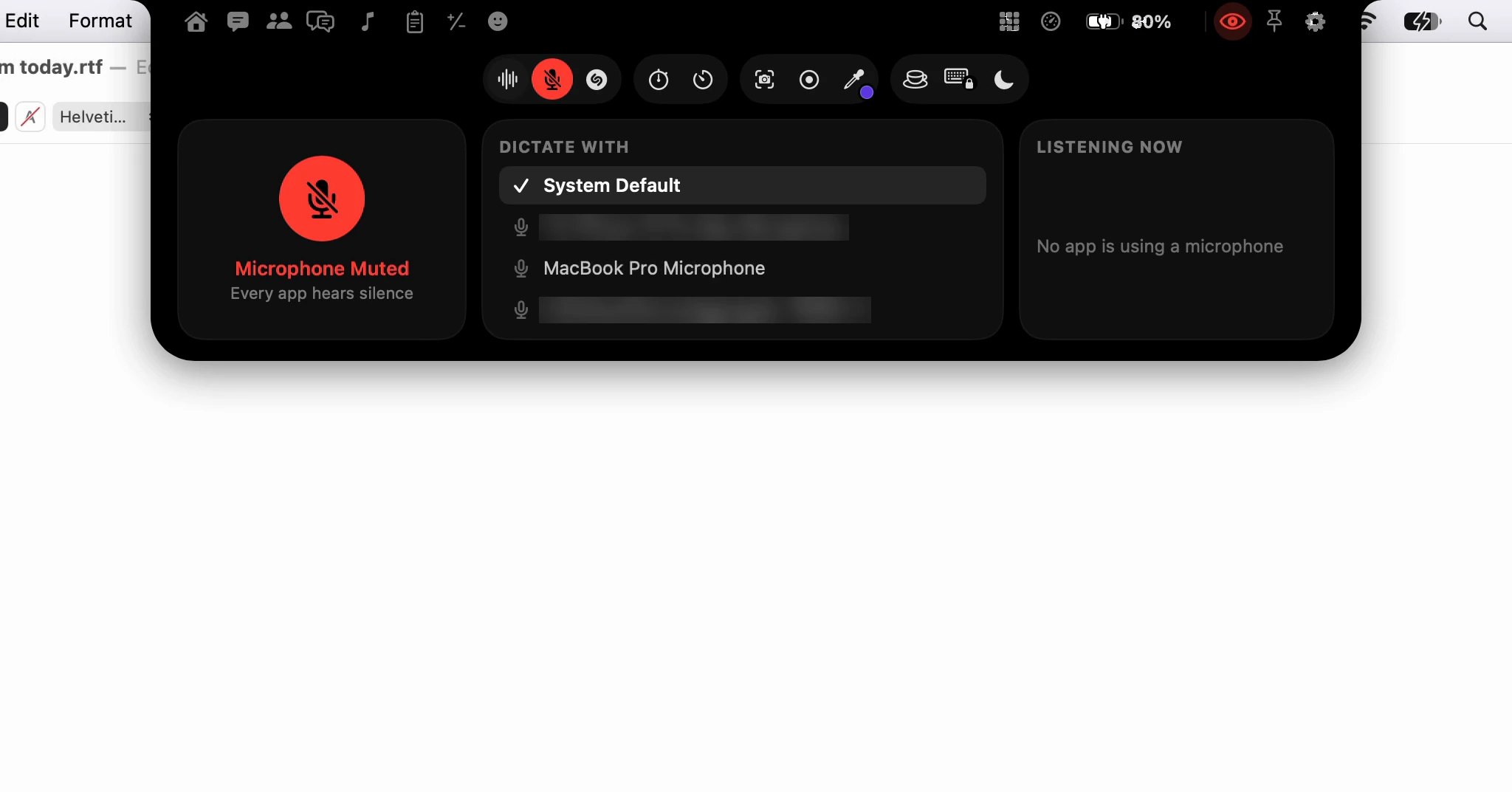
Holding Dictate opens Quick Controls, where you change the language or the model before you start. ⌥⌘C opens it from the keyboard. The Quick Controls tip covers what is on it.
When is the shortcut still better?
When your hands are already on the keys: holding the right ⌘ is quicker than reaching for the trackpad. A click suits you when your hand is on the pointer anyway, when holding a key down hurts, or when you've just installed Dictera and haven't learnt a shortcut yet. Both work side by side.
For the keyboard's ways to start and stop, see Push-to-talk, double-tap or stop on silence; for everything else on the notch, What's in the notch?, the notch page and the dictation page.