Why some apps hide their text from macOS
Apps built on Electron - Slack, VS Code, Notion, Discord, Teams - expose nothing about their text fields to macOS until an assistive app asks them to. Dictera asks, once per app. And where an app still won't say, it treats "won't say" as its own answer and guesses nothing, because a confident guess about text it can't see does more damage than a plain insertion.
What does Dictera need to know about the text?
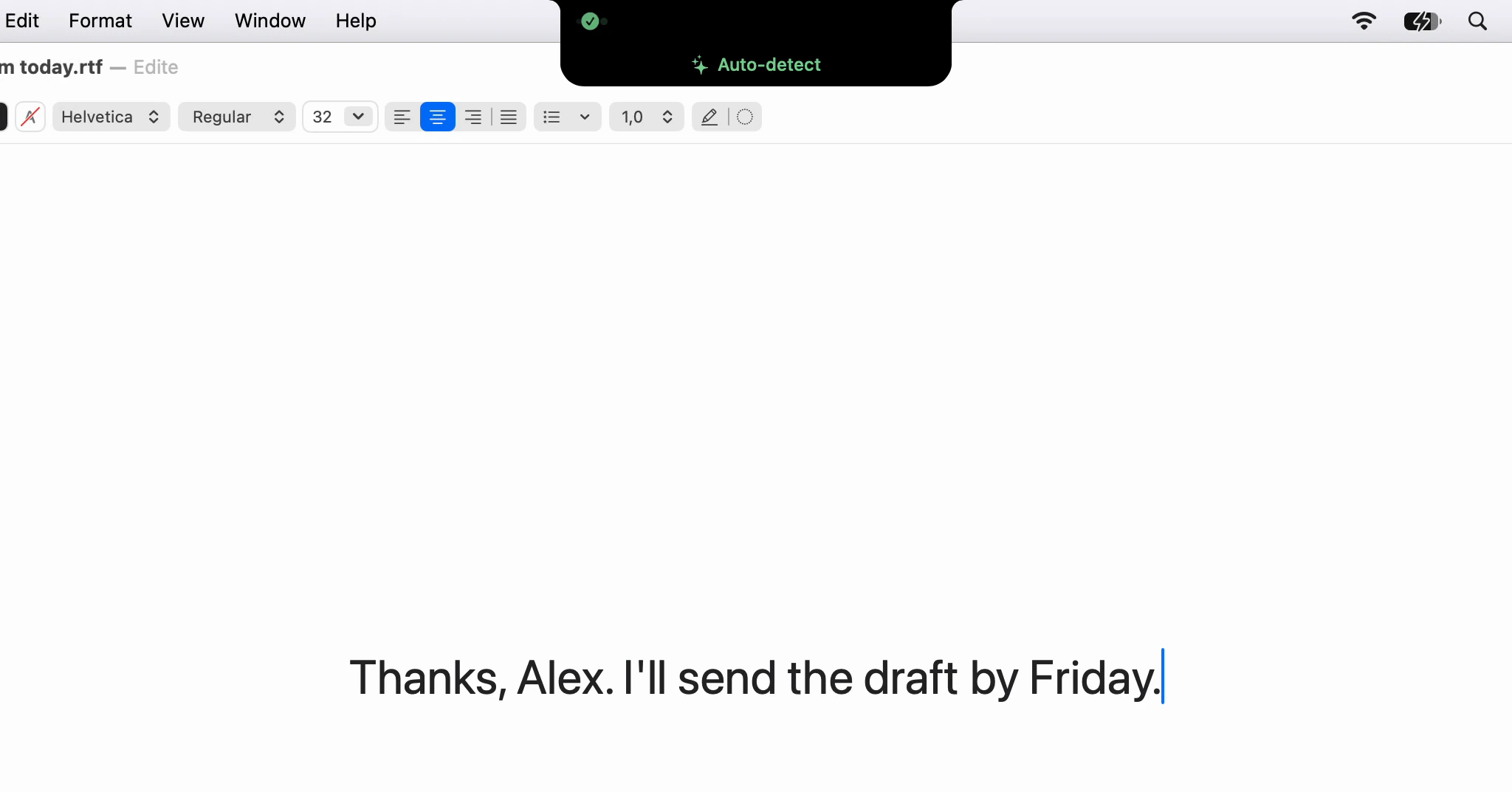
Very little, but every time. Before inserting a dictation, it reads a short stretch of text on either side of your cursor through the macOS Accessibility API. That is how it knows whether to put a space in front, whether the first word keeps its capital, and whether the full stop the speech model added belongs in a sentence you were halfway through.
The same API gives Correct Selection and Edit Selection the text you have selected. Most Mac apps answer these questions straight away. A large share of the apps people actually type into answer nothing.
Why would an app keep its text from macOS?
Not on purpose. Electron apps are Chromium underneath, and Chromium builds its accessibility tree - the structured description of the window that screen readers and other assistive tools use - lazily. A full tree for a web page costs time and memory to build and to keep up to date, so Chromium waits until an assistive client says it wants one. Until then the focused field reports no caret, no text and no selection.
Reasonable for a browser. For dictation it meant the cursor was invisible in most chat apps and code editors, which is where a lot of dictating happens.
Why ask once, and not every time?
Chromium listens for a specific request, and since 0.8.3 Dictera sends it: the first time you dictate into an app after it launches, and not again until that app is relaunched. Switching the tree on is a request, not a question, and repeating it would only add work while you wait for your words.
The tree does not always appear the instant it is asked for, so the very first dictation into a freshly launched Slack can still land unfitted. The next one reads the field like any other app's.
What happens when an app still won't say?
This is the decision the rest depends on: "the field is empty" and "the app wouldn't tell us" are different answers. An empty field takes no space in front, because there is nothing to separate from. A field that won't say takes no guessed space either, and no guessed change of case. The text goes in exactly as it was transcribed, capital and full stop included. That looks plainer, but it fails in a way you can see and fix with one keystroke. A wrong guess fails in the middle of a word, or turns the end of your sentence into "fruits And vegetables.?".
Nor is it handed to a model to guess for it: with no text around the cursor there is nothing to reason about. Two models per dictation covers the rest of that pipeline.
Then how do two dictations in a row join up in those apps?
From memory, kept on a short leash. After inserting, Dictera remembers the end of what it actually typed, so the next dictation can see the sentence it is continuing even when the app shows nothing. It uses that memory only while the same app is still in front, for two minutes, and only if no keystroke or click has reached that app since.
That last condition is the one that matters. A click can move your cursor anywhere, and the memory would still describe where it used to be, with total confidence. So the moment you type or click, the memory is dropped and the next dictation goes in verbatim. The keystrokes Dictera sends itself, such as the ⌘V that pastes your words, are marked as its own and don't count.
And when the app won't share what you selected?
Then Dictera copies it, the way you would. It sends ⌘C, waits a little over half a second at most for the text to arrive on the clipboard and, where macOS lets it, puts back what you had copied before it pastes the result over your selection. If nothing was selected, the clipboard is left exactly as it was rather than rewritten.
On macOS 27, reading another app's clipboard needs the Paste from Other Apps permission. If it is set to Deny, Dictera can't read the copy it would make, so it makes none and says which setting to change, instead of a shortcut that seems to do nothing.
Why not just paste everything blind?
Because the apps that hide their text are where you write mid-sentence: a reply in a thread, a comment in code. Getting the join right there is most of what makes dictation feel like typing. Asking fixes it nearly always; refusing to guess when no answer comes keeps the failures small and visible.
The practical side - what to check when a join still looks wrong, and the setting that types instead of pasting - is in Dictating into Slack, VS Code and Notion. What Dictera does with the Accessibility permission, and every other one, is on the security page.