
Behind Dictera.
Design decisions, what comes next, and the reasoning behind both.
Why Dictera moved into the notch
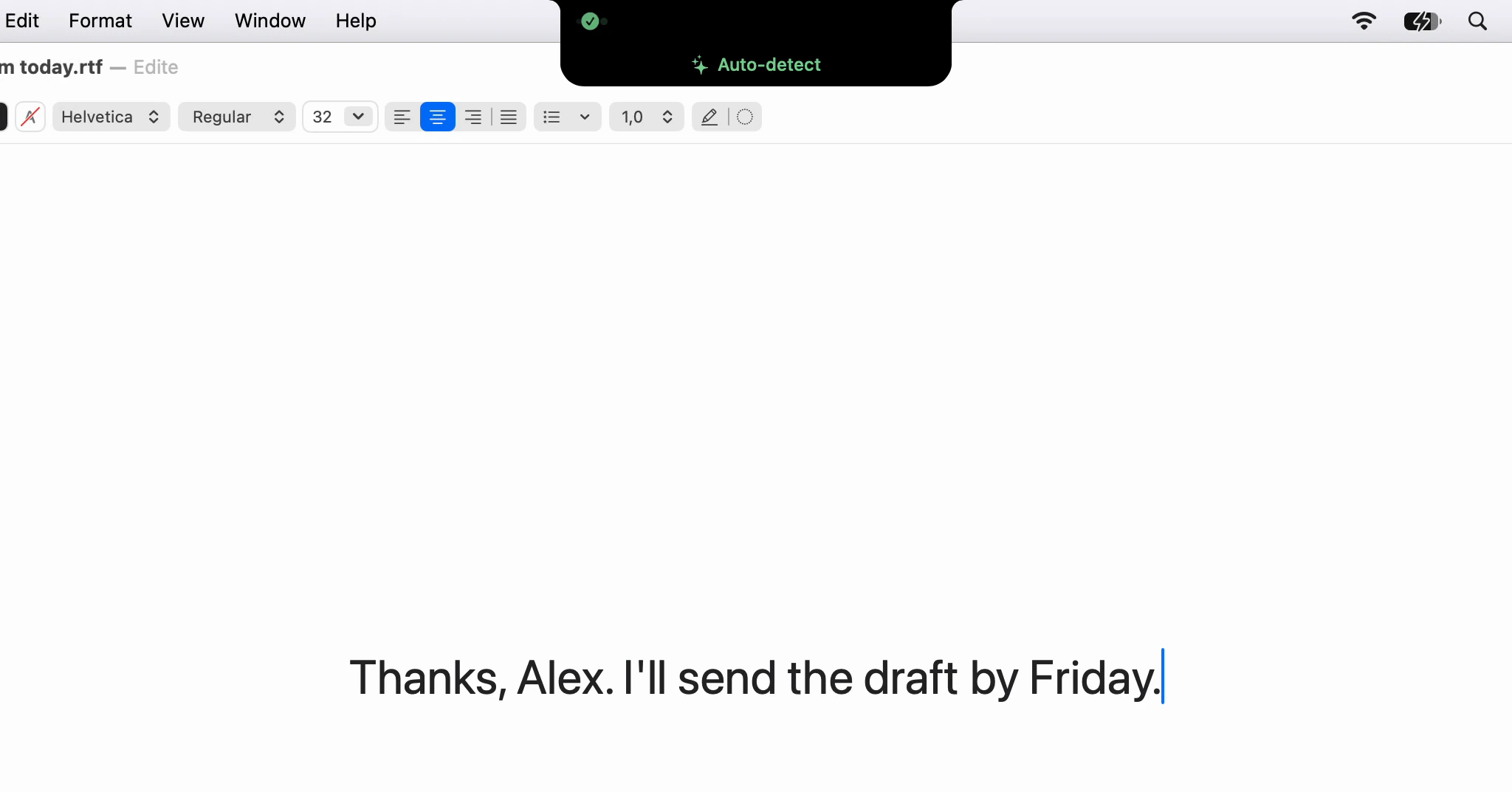
Dictera used to open floating panels around the screen. Why they became pages of the notch, why the menu bar only stops things, and why there is no off switch.
· 4 min read
Why a Gemma model cleans up your text
Cleanup once ran on Apple's own model. Why it moved to a small open model you download once, and why the job it is given is narrower than what it could do.
· 4 min read
Why the transcript has two labels and not names
Every line in a meeting transcript says You or Them, never a name. Why Dictera does not guess at voices, and where the names in your notes come from.
· 5 min read
What Dictera sends over the network, and how to check
On default settings Dictera talks to three hosts, and none of them hears your voice or reads your text. What each one gets, and how to watch it yourself.
· 6 min read

Two models per dictation: how speech becomes writing
One model hears the words, a second one edits them before they land. What each is allowed to change, and what stops the editor from answering you instead.
· 5 min read
Why there is no account
Dictera has no signup, no password and no profile. What replaces an account, what you give up without one, and why the trade was made on purpose.
· 4 min read
Why the meeting notes are not written live
The transcript builds live, but the notes are written when you press Stop or ask for them. Why a document that rewrites itself is not one you can read.
· 4 min read
Every new article, in your reader · Subscribe with RSS