
Notch.
Everyday Mac tools at the top of your screen, and how to get the most from each one.
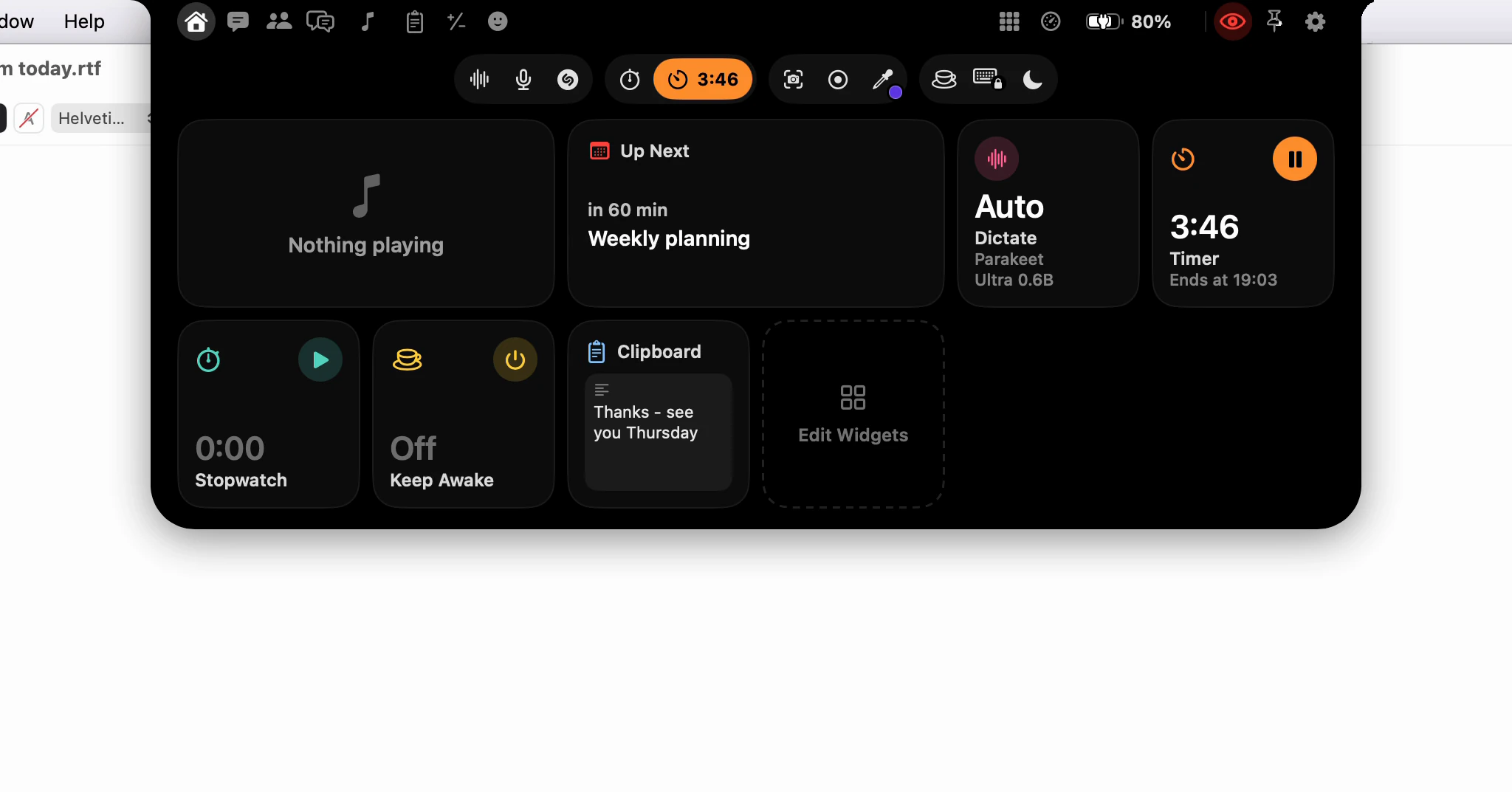
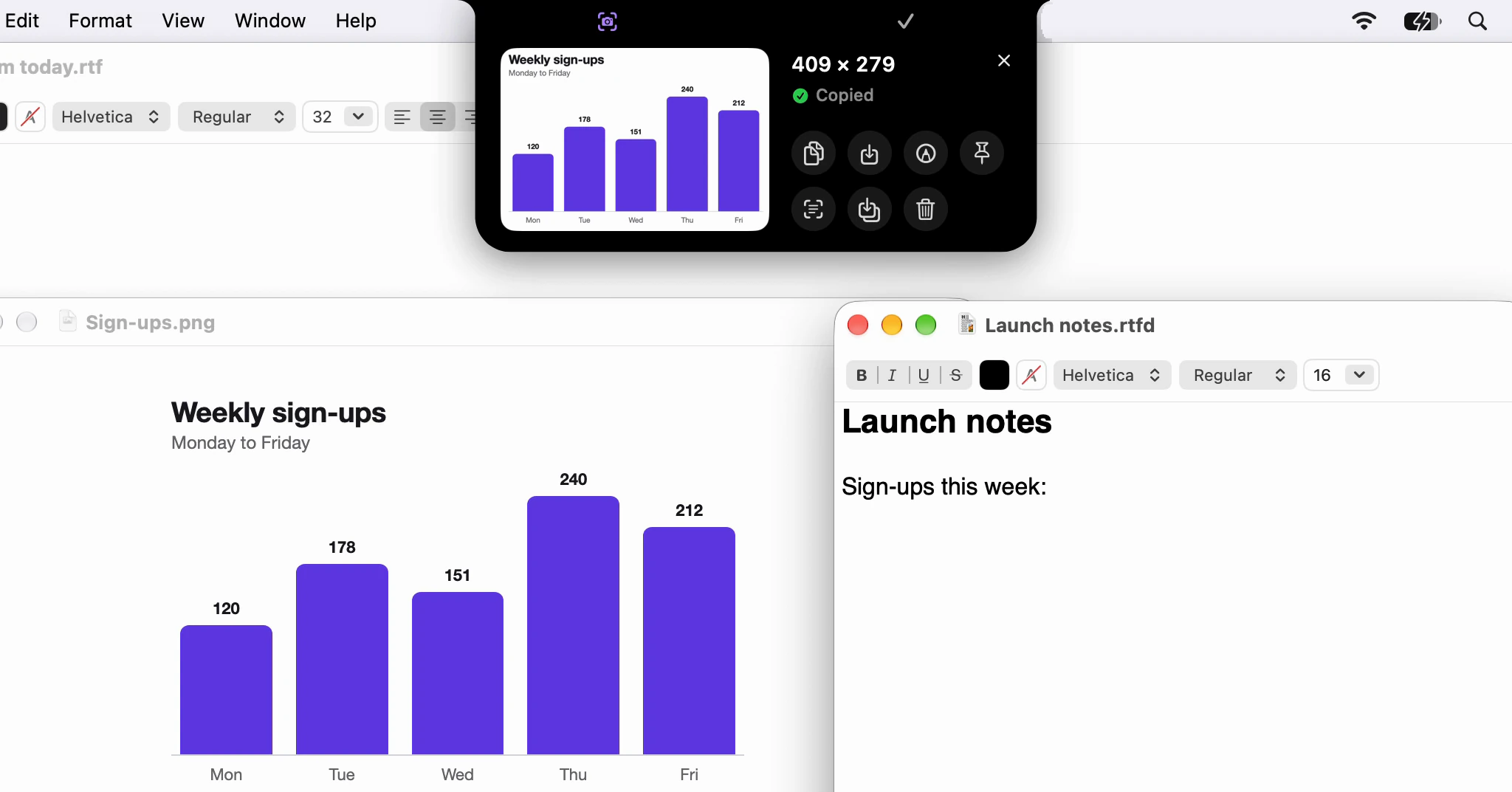
How do I take a screenshot and drag it into an email?
Click Screenshot in the notch, drag across what you want, then drag the card that drops out of the notch into your message. It arrives as a file, ready to send.
· 5 min read
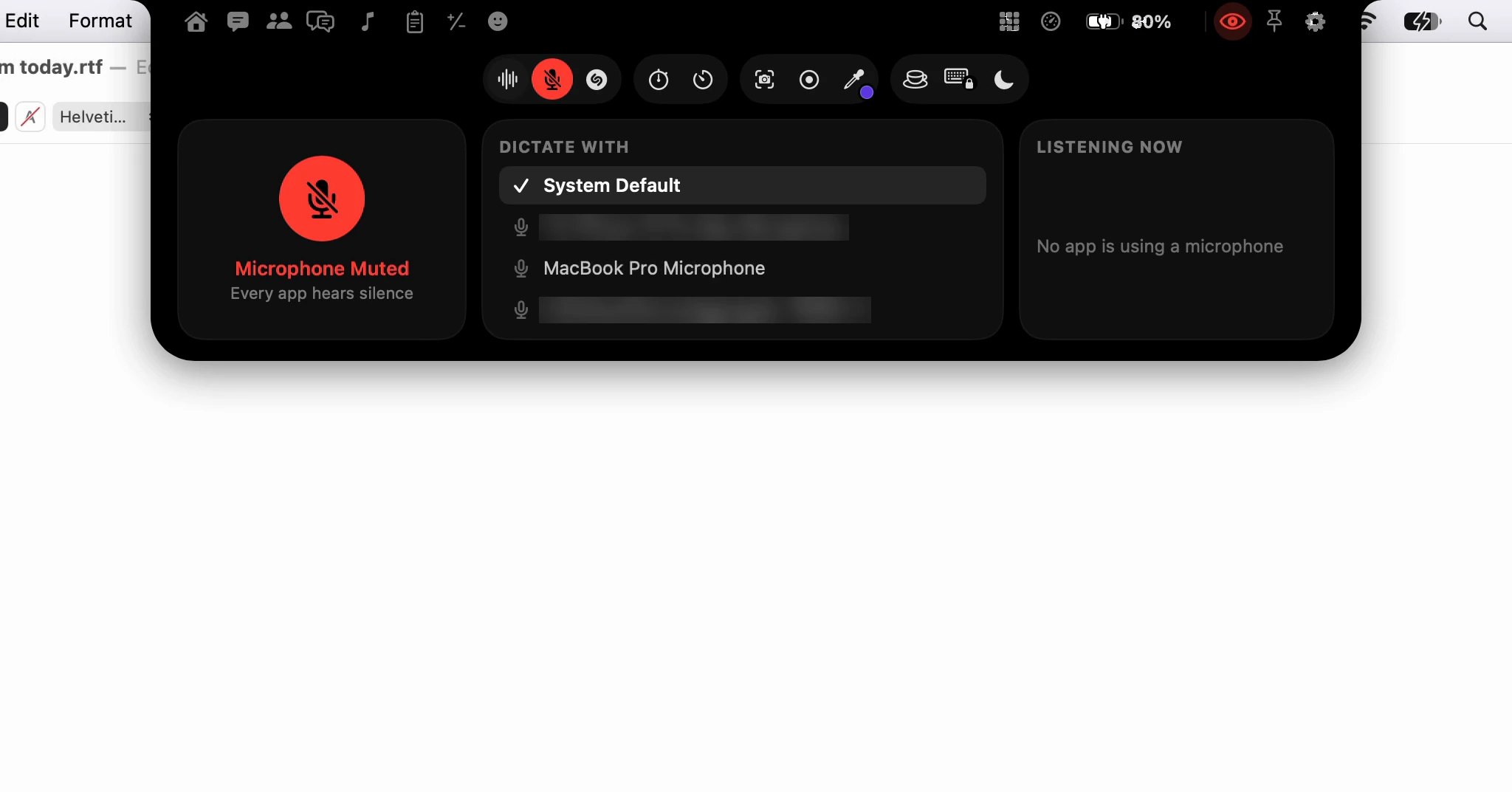
How do I mute my microphone in every app at once?
Click the microphone in the notch and every app hears silence: Zoom, the browser and a voice memo alike. The mute stays on the notch, in red, until you undo it.
· 3 min read
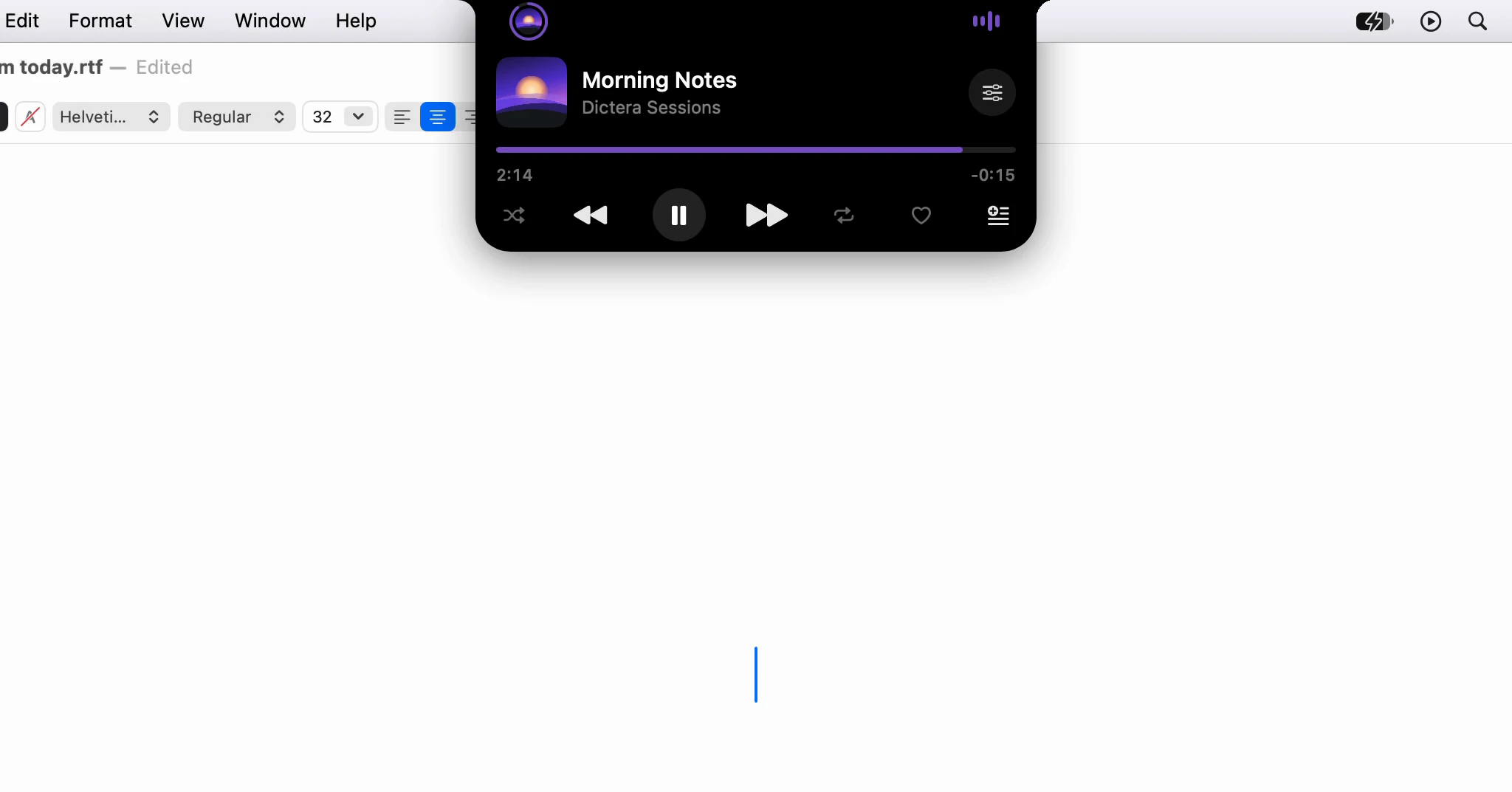
How do I see what's playing, and its lyrics, in the notch?
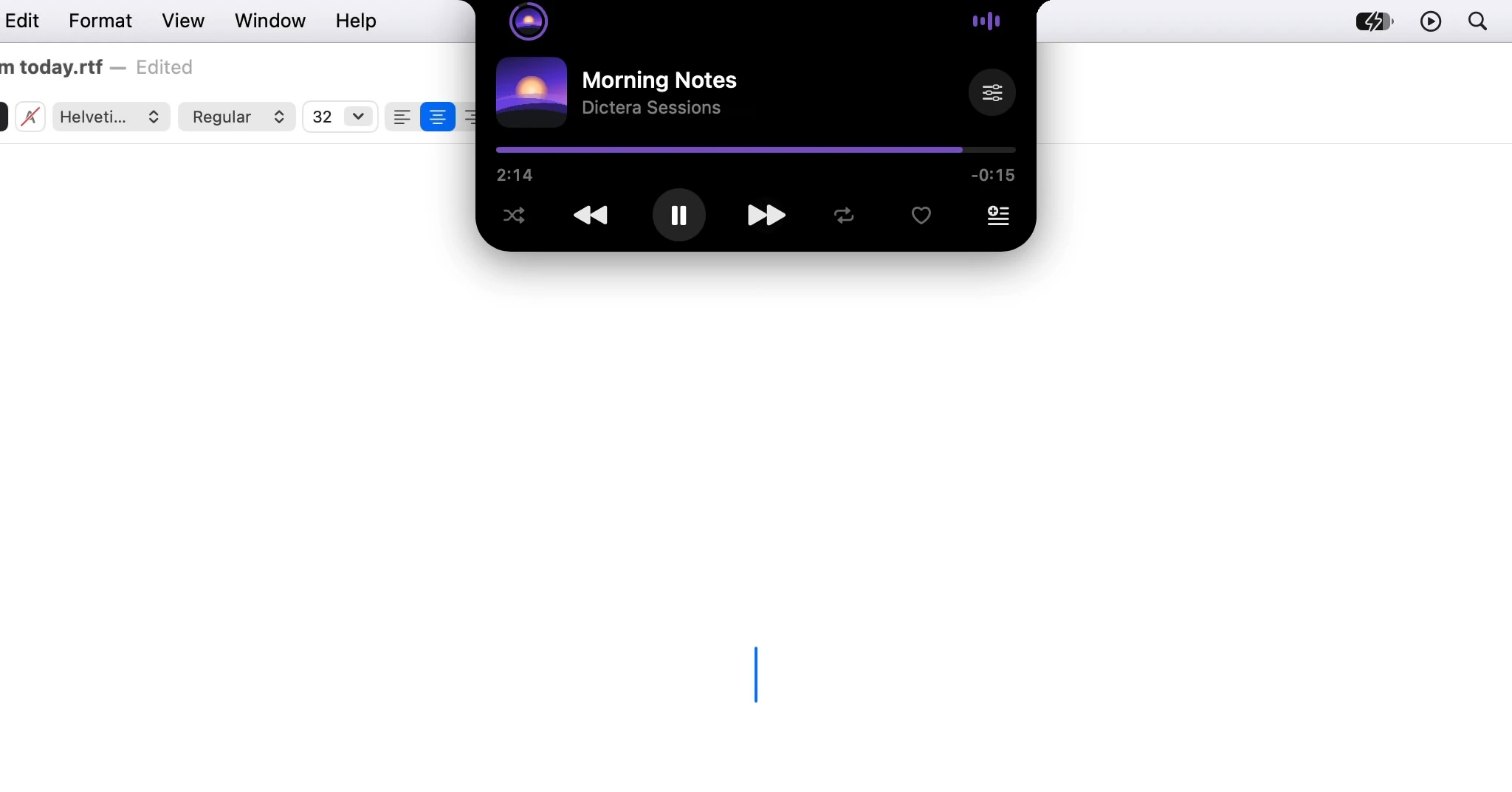
While Music plays, the notch shows the song's cover. Point at it for the controls, and open the Music page for synced lyrics that follow along.
· 3 min read
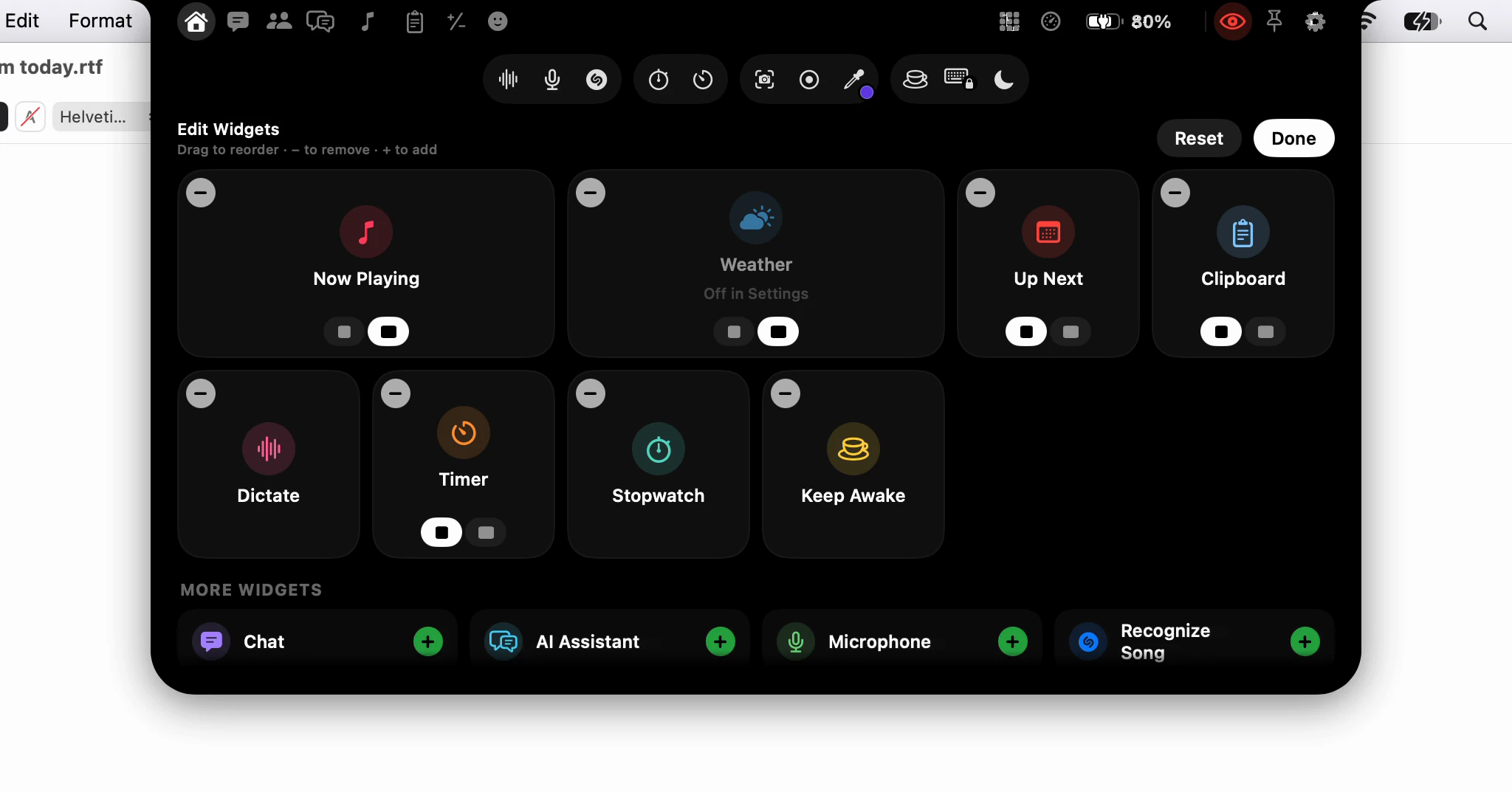
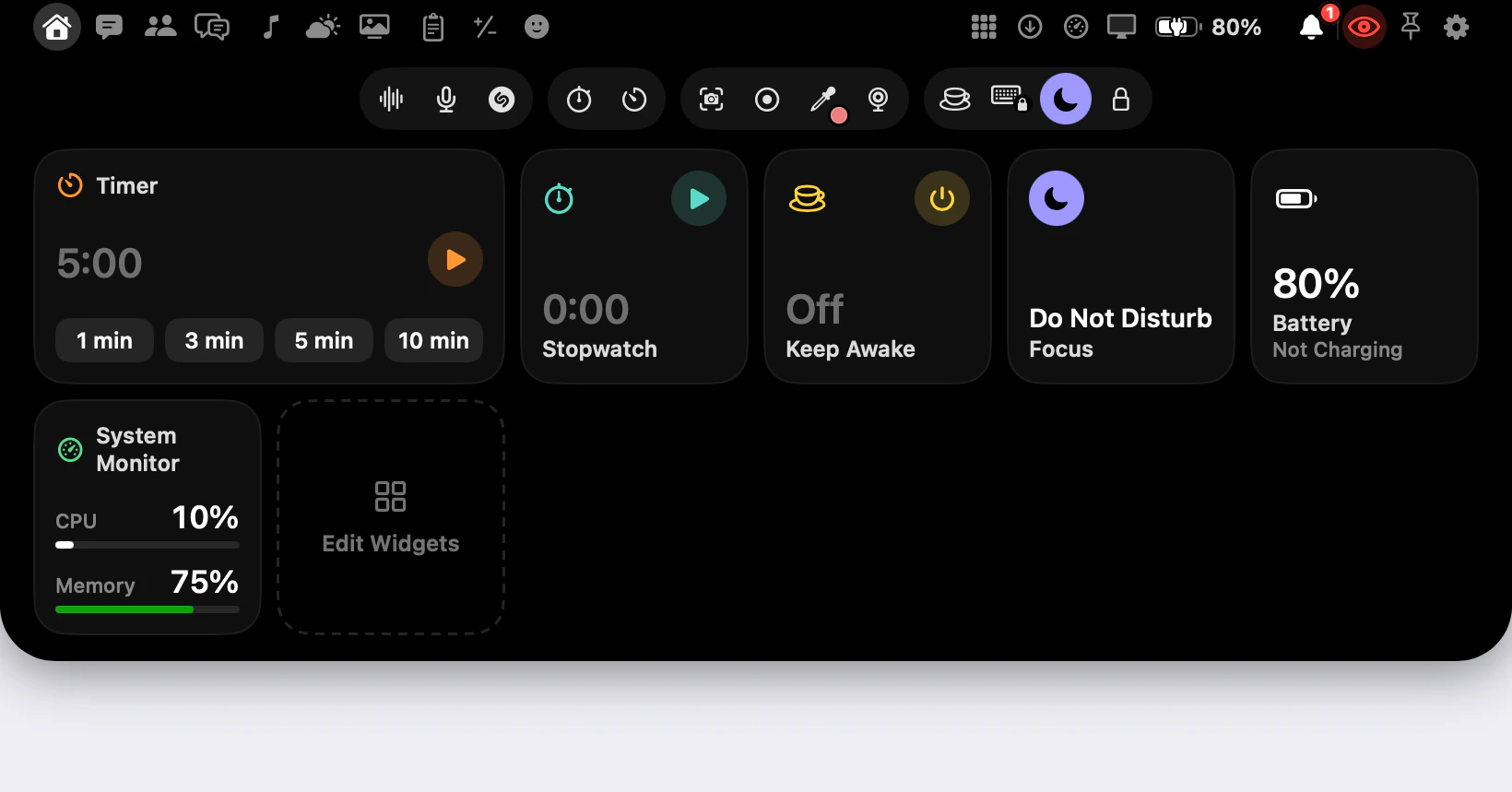
How do I make the notch's Home page show what I use?
Click Edit Widgets, the last tile on Home, then drag widgets into order, add them from the shelf, remove them with − and pick Small or Medium.
· 2 min read
How do I keep the notch out of a screen share?
The notch and the AI Assistant panel start hidden from screen shares. The eye is the one switch that changes it, and some things stay out whatever it says.
· 2 min read
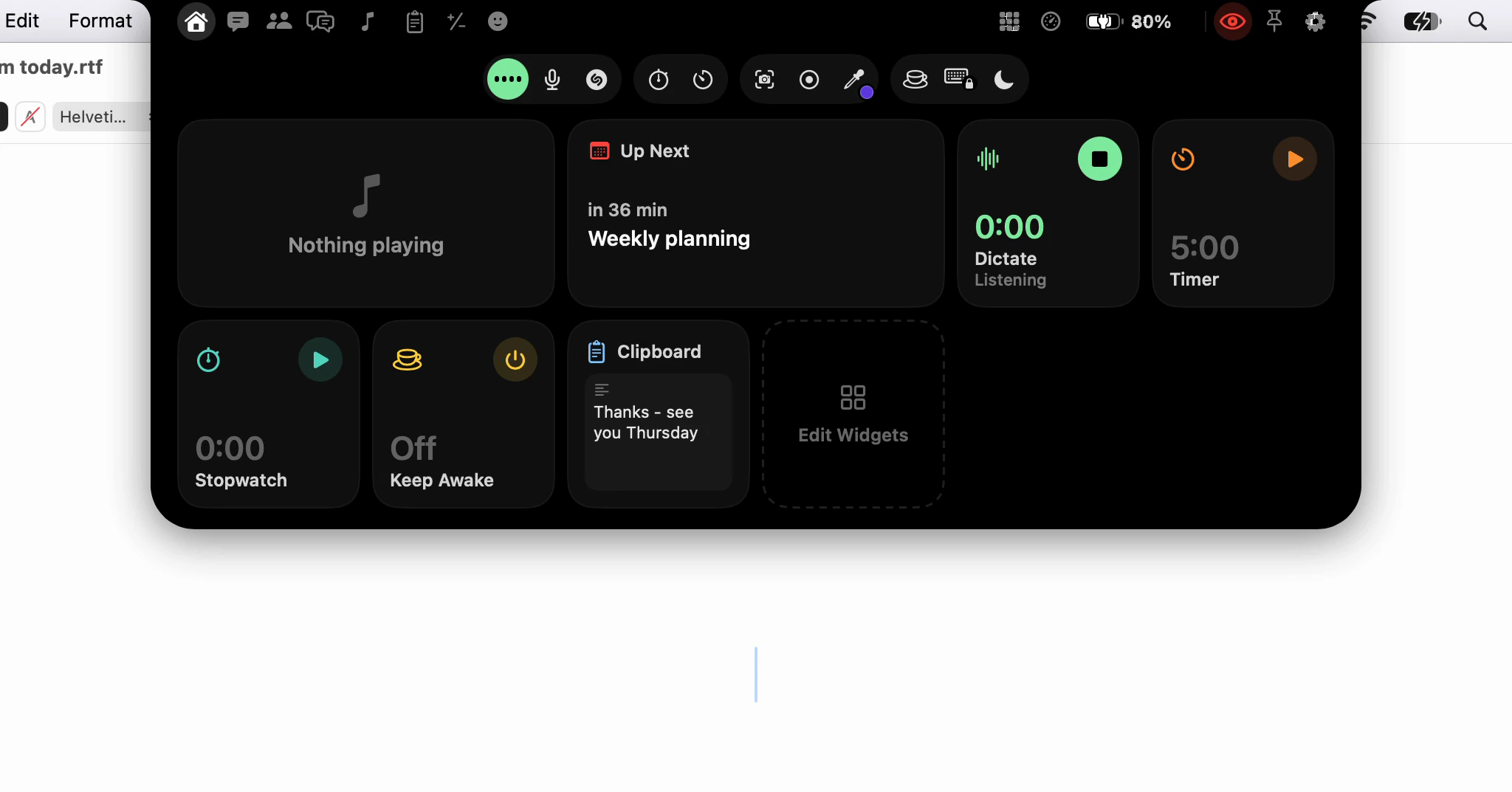
Can I start dictating with a click instead of a shortcut?
Yes: click Dictate in the notch, talk, and click again. Your words go where your cursor was, because the notch never takes the focus from your app.
· 2 min read
What does a notch app do that a phone's cut-out can't?
A phone's camera cut-out shows what's going on. A notch app on a Mac also holds tools, keeps your cursor where it was and follows you across displays.
· 7 min read
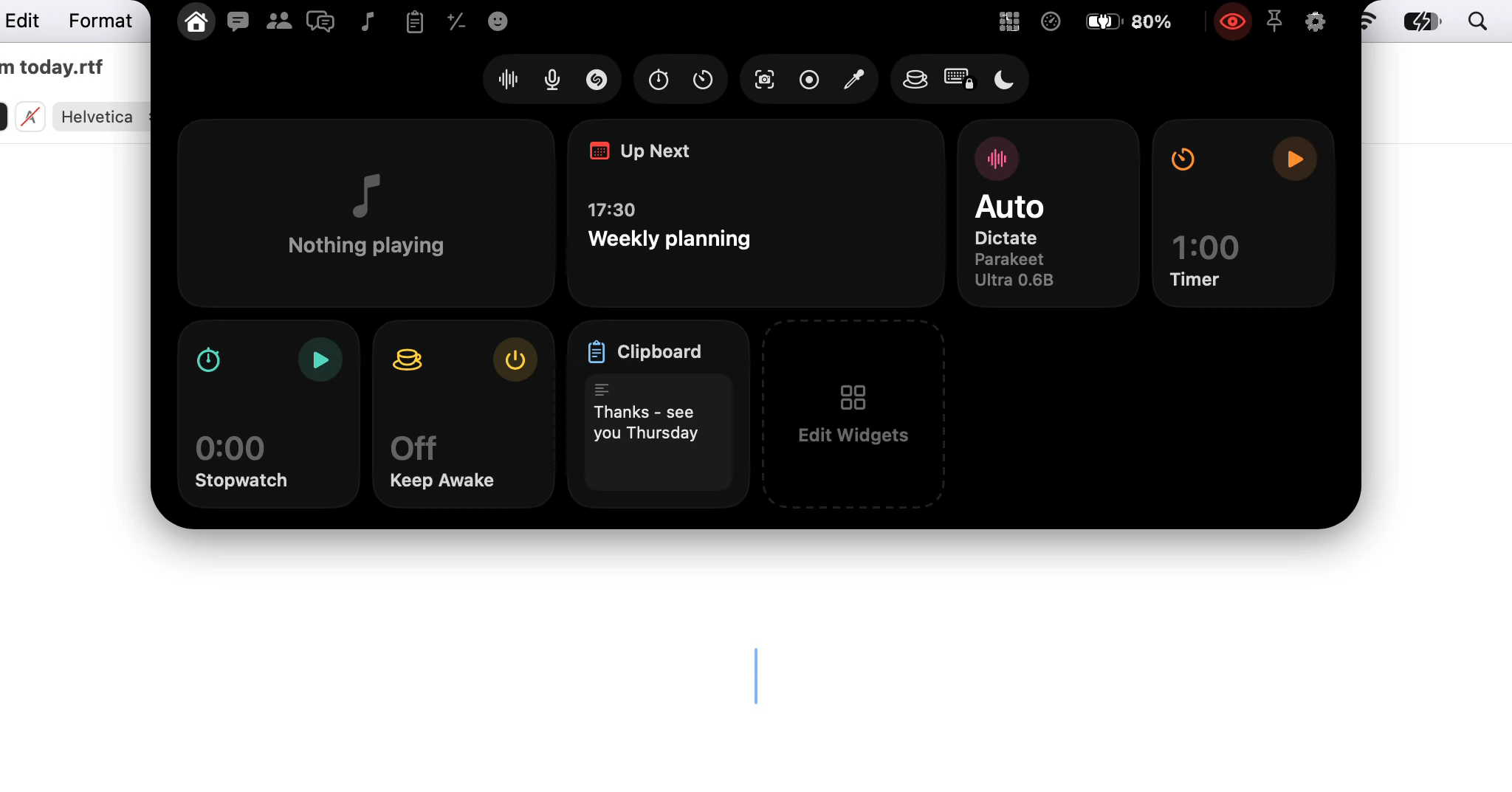
How do I open the notch: point, click or a shortcut?
Three ways to open the notch - point at it, click it, or press a key - plus Open Notch in the menu bar, and which one suits the way you work.
· 3 min read
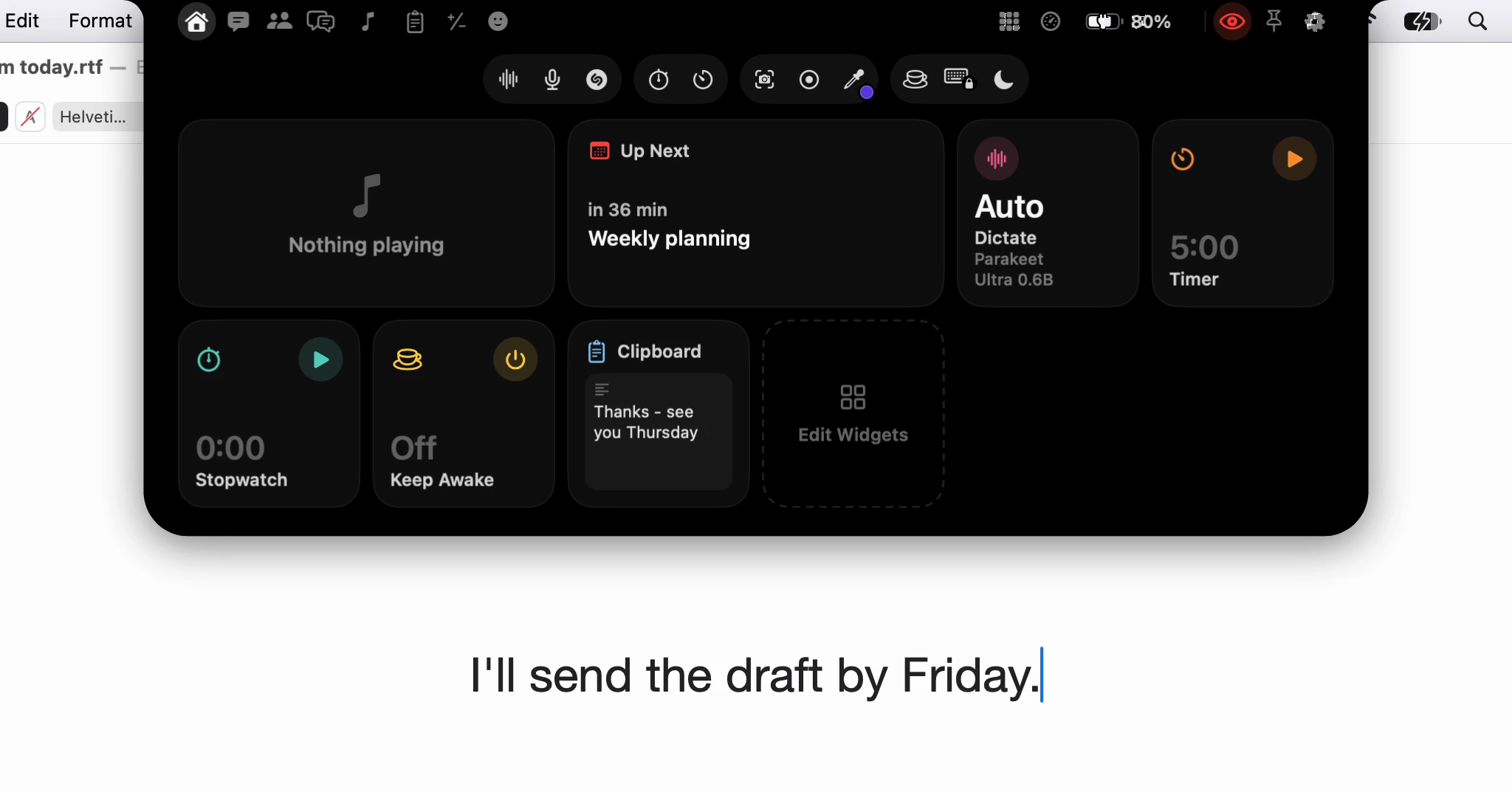
What is a notch app, and why put dictation in one?
A notch app turns the camera housing at the top of a MacBook screen into a place for tools. What Dictera keeps there, and why dictation starts there.
· 6 min read
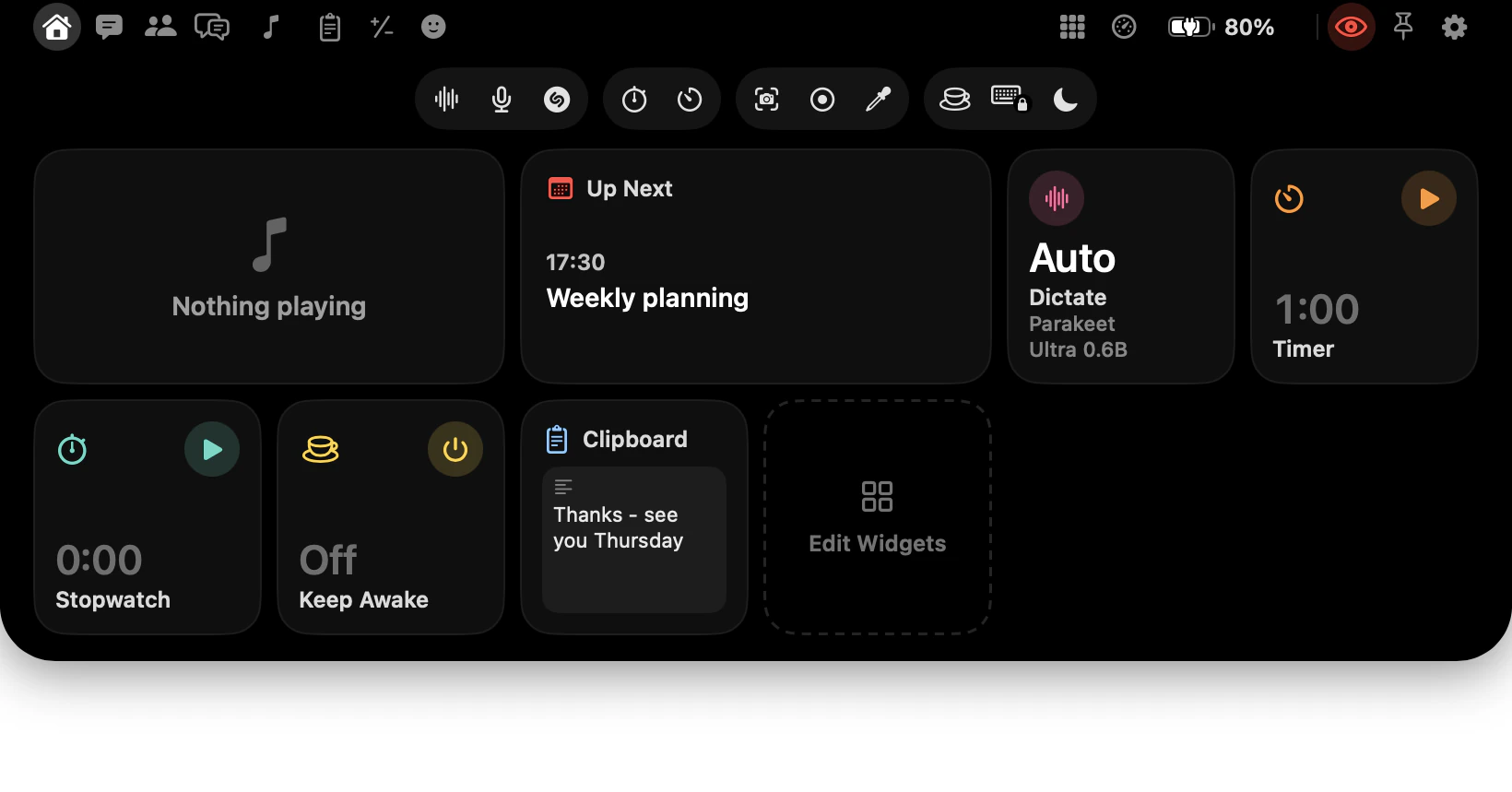
What's in the notch? A map of every page and button
Every button in the notch and what it opens: your pages left of the camera, this Mac on the right, four groups of tools below, and what a hold adds.
· 9 min read
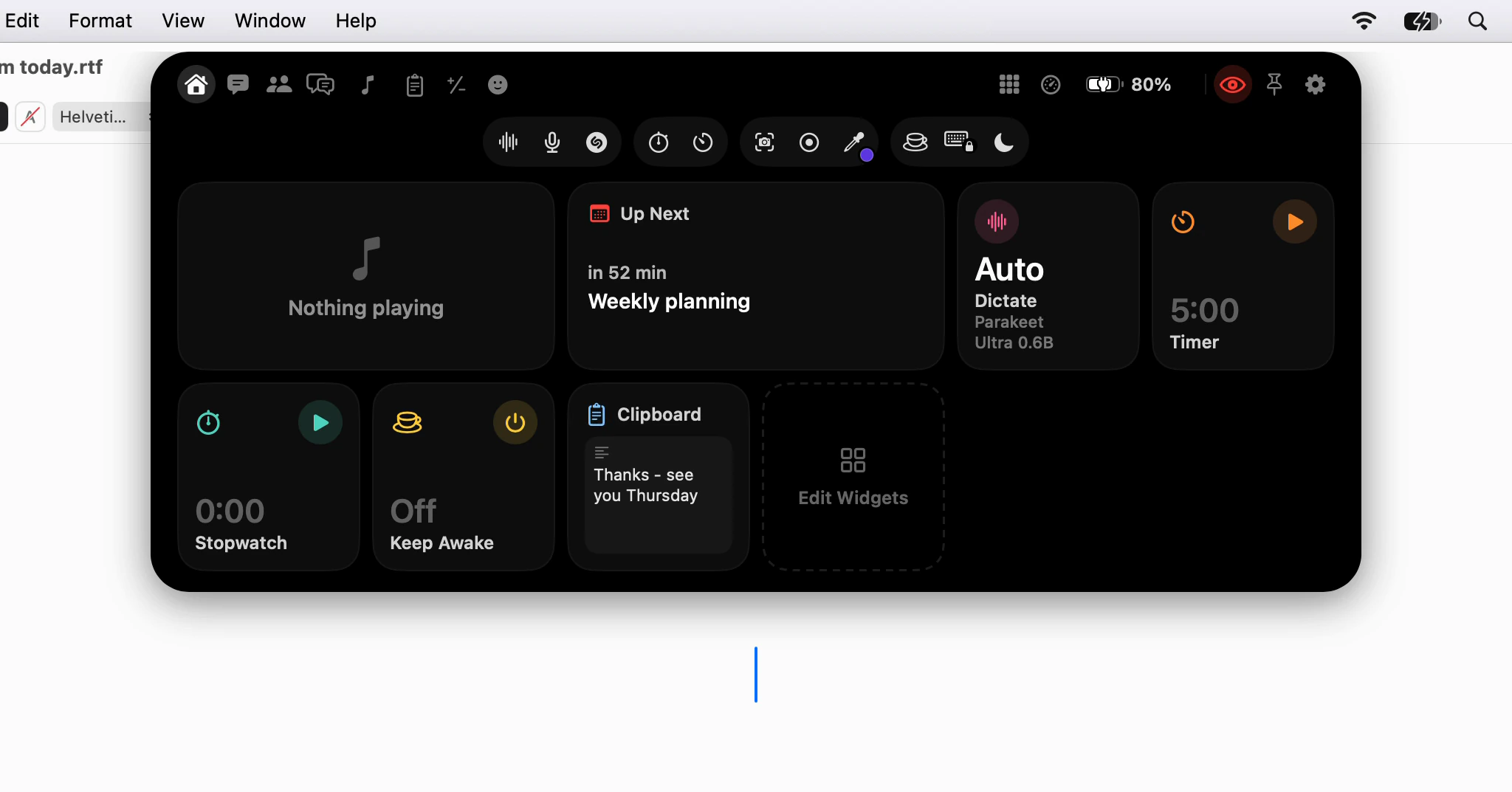
Will the notch get in the way of what I'm doing?
Closed, the notch shows nothing; open, it never takes your cursor. Full-screen apps, screen sharing, motion, the menu bar, and the setting behind each.
· 7 min read
Every new article, in your reader · Subscribe with RSS