How do I mute my microphone in every app at once?
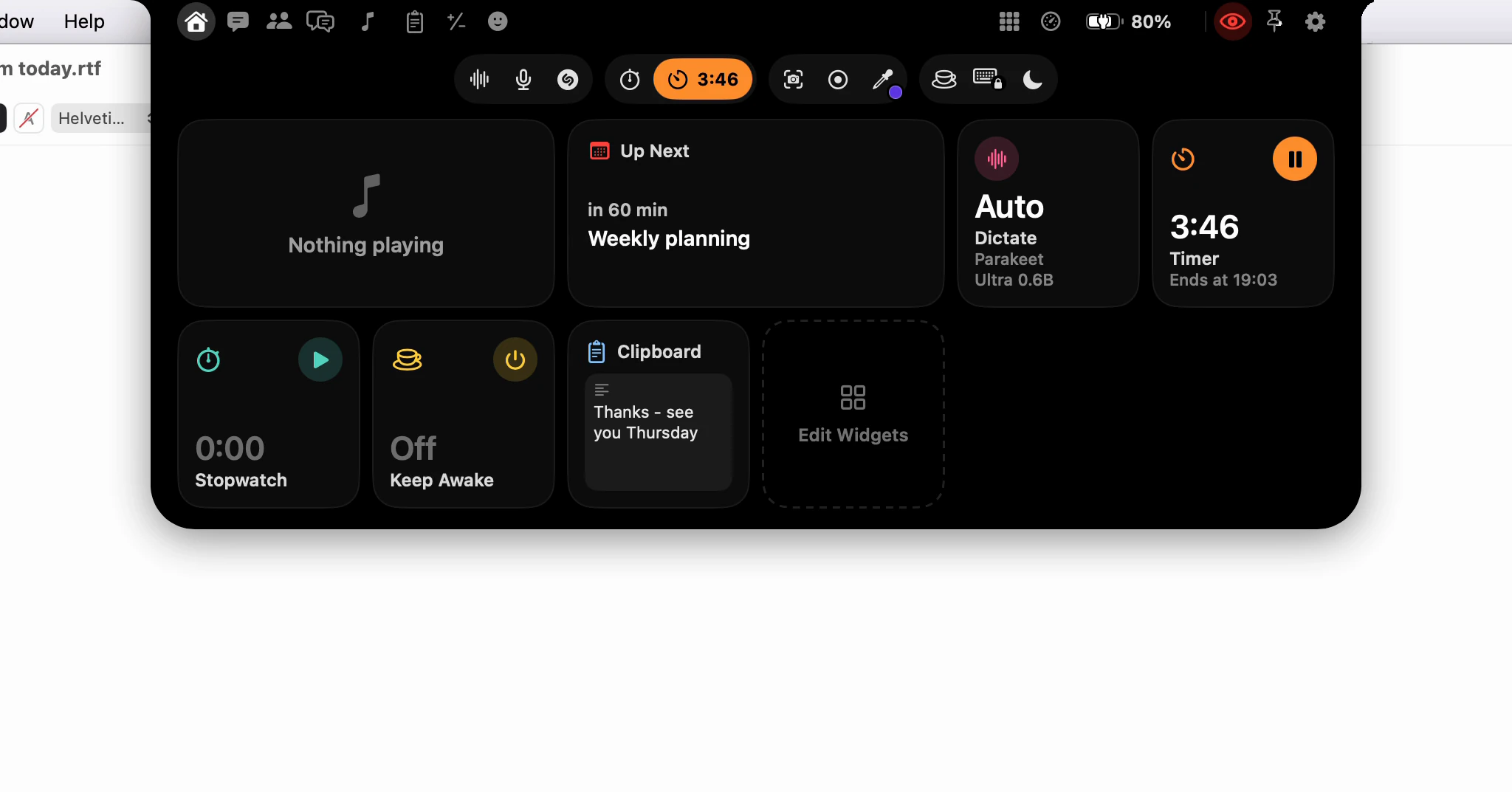
Open the notch and click the microphone, beside the Dictate button. Every microphone on your Mac is muted at once, so every app hears silence, whichever call it's in. Click it again to unmute.
Why not use the mute button in the call?
Because there may be more than one. A meeting in Zoom, another tab in the browser and a voice memo each have their own button, and the one you forget is the one that hears you. Dictera mutes the microphones themselves, so no app has to be asked.
A microphone with a mute switch of its own is switched off. One without is turned all the way down, and its level is given back when you unmute. A microphone that connects while the mute is on, such as AirPods joining mid-call, is muted as it arrives.
How do I know it's still muted?
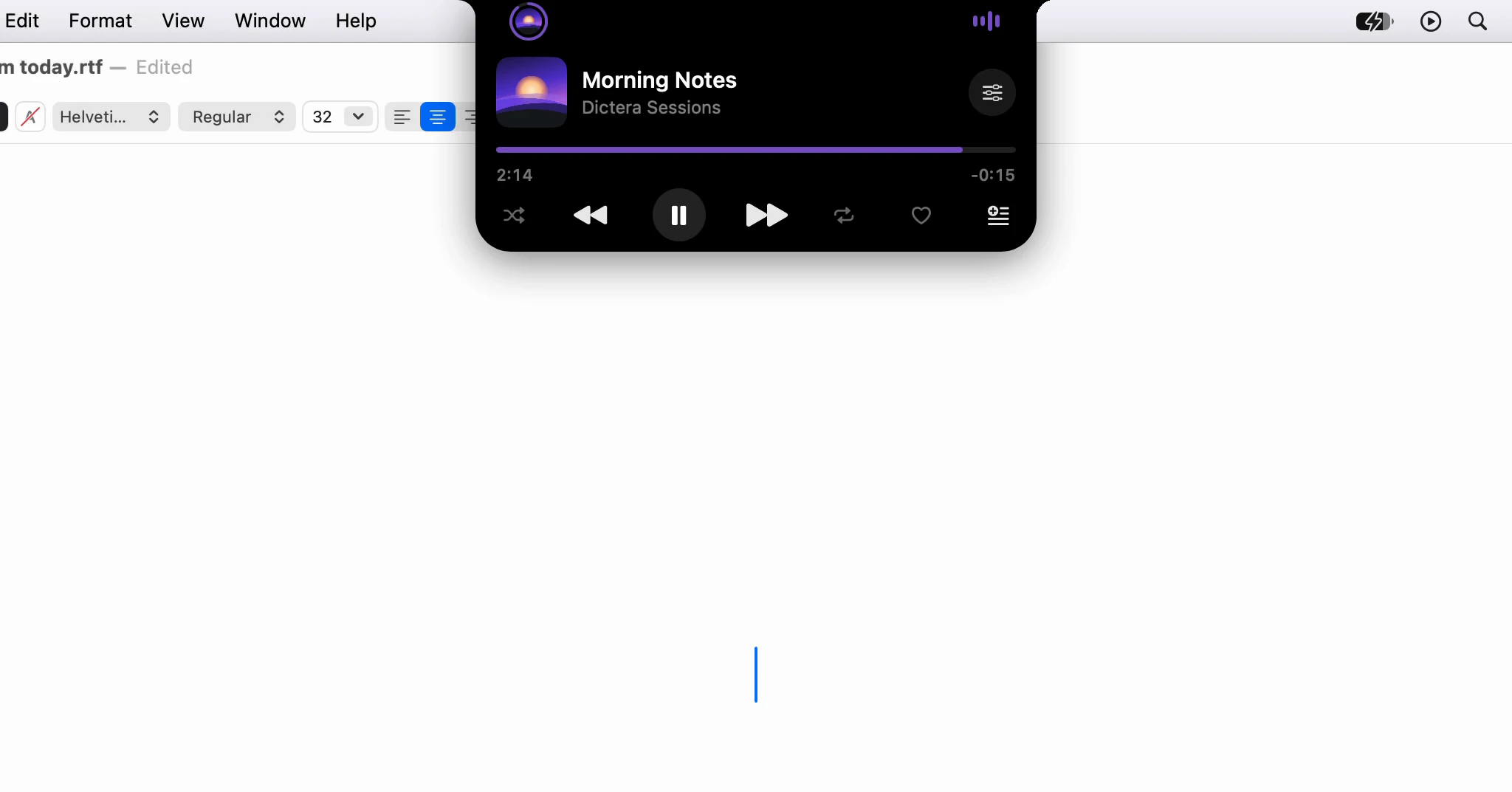
The button turns red with a line through it, and while the notch is closed a red crossed-out microphone takes the strip, ahead of a song, a running timer or the next meeting, until you unmute. If an app has a microphone open, its icon sits on the other side. Point at the strip and a card drops out saying who hears silence - "Zoom hears silence" - with an Unmute button.
Dictation hears the silence too. Start one while muted and the strip shows the crossed-out microphone instead of its level bars, with "Your microphone is muted" where there's room, so you won't talk into nothing for long. What do the colours on the notch mean while I dictate? covers the rest of what it shows.
What does holding it do?
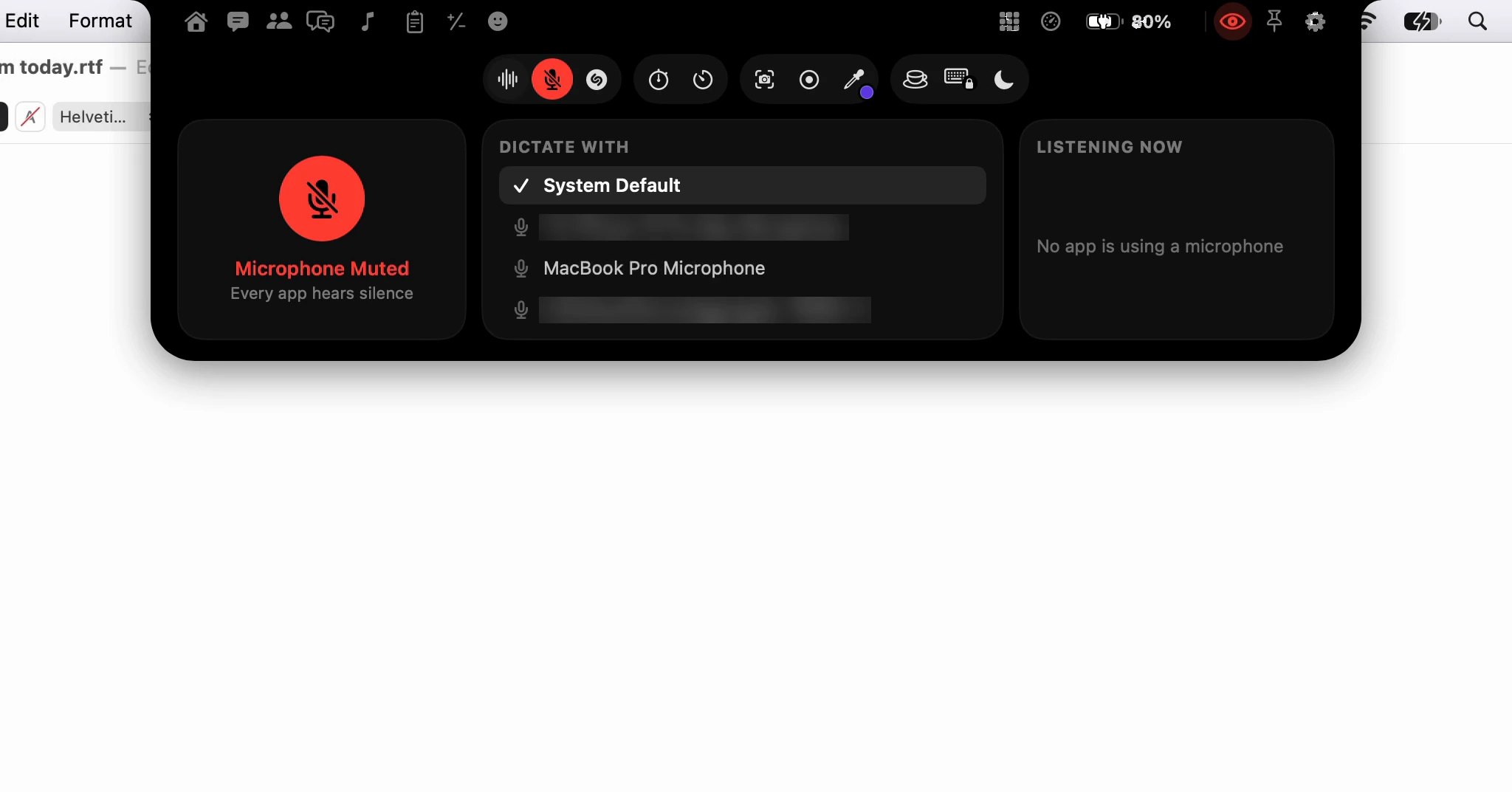
Hold the microphone for the Microphone page. It has the same mute, the microphone to dictate with under Dictate With, and Listening Now: the apps that have a microphone open right now. Dictera only checks that while the page or the muted strip is on screen.
Is there a shortcut?
Yes, but it's off until you switch it on. In Settings ▸ Shortcut, turn on Mute Microphone; it starts as ⌥⇧⌘M. Pressed in any app, it mutes or unmutes, and the notch says which: Microphone Muted or Microphone On.
Virtual microphones, the kind audio-routing apps add, are left alone, so a meeting app's own plumbing keeps working. Unmuting in System Settings counts too: the notch reads the microphone, not its own memory.
Where can I read more?
The notch page has the microphone with the other sound tools, and What's in the notch? maps every button. Dictation itself is on the dictation page.