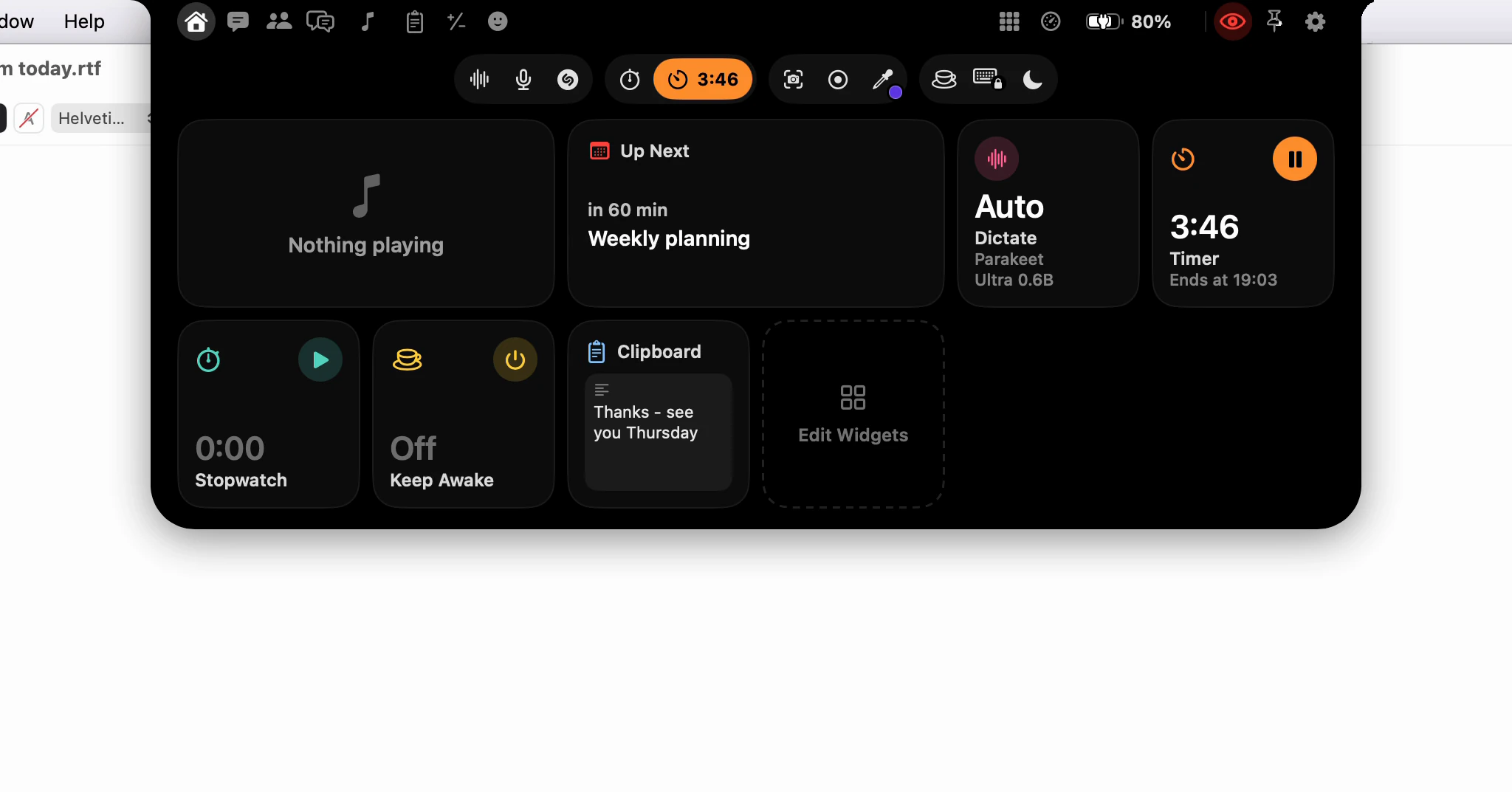
How do I see what's playing, and its lyrics, in the notch?
While a song plays in Music, a small strip around the notch shows its cover in a progress ring. Point at it and a card drops with the song and its controls. For the lyrics, open the Music page and click Show Lyrics once.
What shows while the notch is closed?
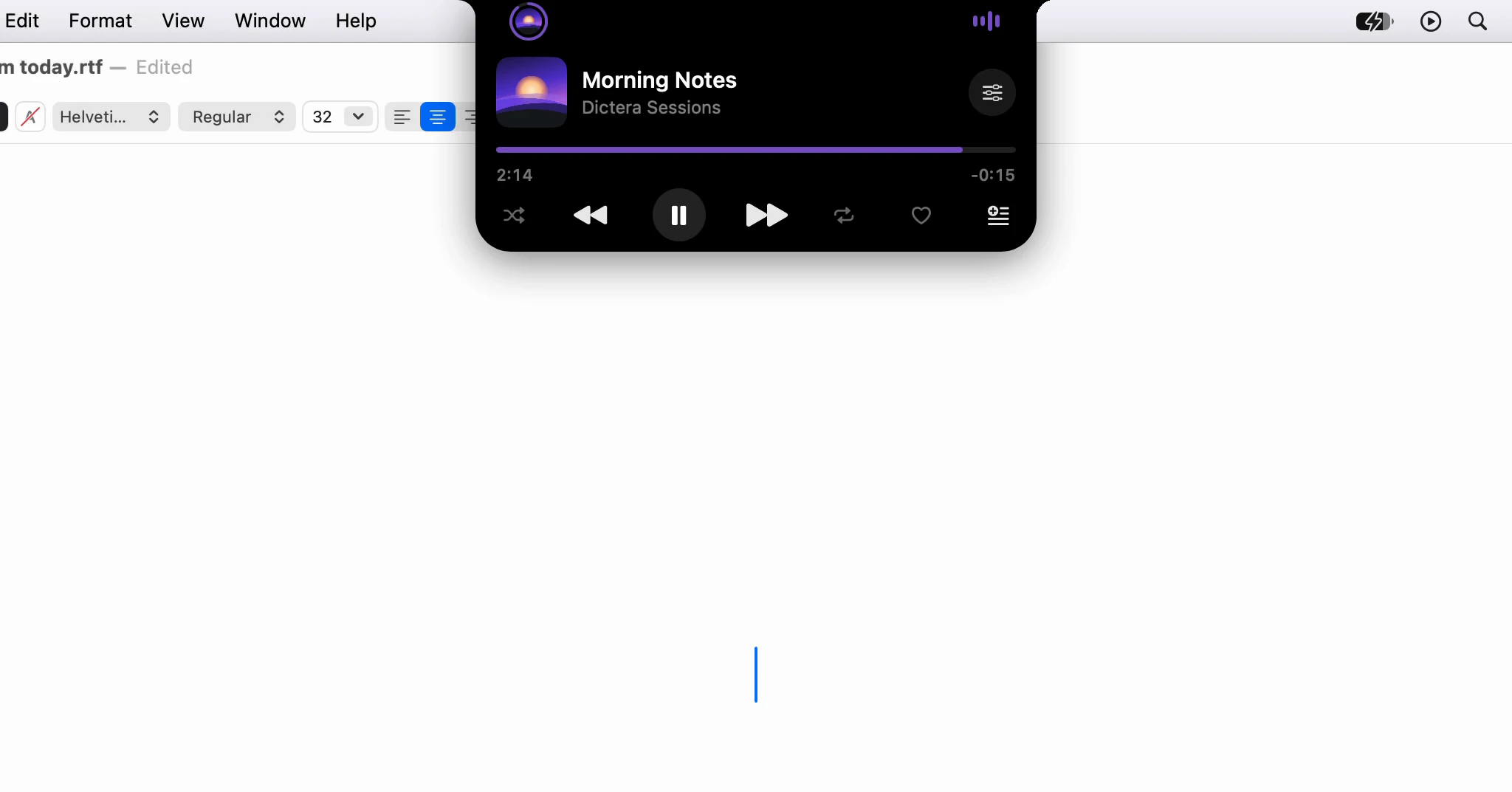
The song's cover on one side of the notch, ringed by how far through the song you are, and level bars on the other that move while it plays. The strip shows one thing at a time, so a dictation, a screen recording or a meeting about to start takes its place for as long as it lasts, and the song comes back after.
Point at the strip, or click it, and the song's card drops out: the title and artist, a progress bar you can drag, and shuffle, previous, play or pause, next and repeat, with Favorite and Add to Playlist beside them. Sound Mixer sets the system and Music volumes side by side. Click anywhere else on the card and the whole notch opens.
Where are the lyrics?
On the Music page: click Music in the notch, or the Now Playing widget on Home. The song and its controls sit on the left, over its cover blurred into the background, and the lyrics on the right. The line being sung is large and white, with the lines around it dimmed, and the column scrolls as the song goes on.
Lyrics are off at first. Click Show Lyrics on the page, or turn on Synced Lyrics in Settings ▸ Notch ▸ Music. A song with no timed lyrics says No synced lyrics for this song. If the lookup fails, offline for instance, click Try Again; Reload Lyrics asks again at any time.
Where do the lyrics come from?
From LRCLIB (lrclib.net), a free lyrics website, because Music doesn't share its own synced lyrics with other apps. It sees the song's name, artist, album and length, and which version of Dictera is asking. Only the song on screen is looked up. The security page lists everything else that leaves this Mac.
Does it work with Spotify or another player?
No. The notch shows Music, the app that comes with macOS: songs in your library and songs streamed from Apple Music. The first time, click Connect to Music and allow Dictera to control it. Turn the strip off with Show What's Playing in the same Settings page.
For the rest of the notch, see the notch page and What's in the notch? To put Now Playing first on Home, see How do I make the notch's Home page show what I use?