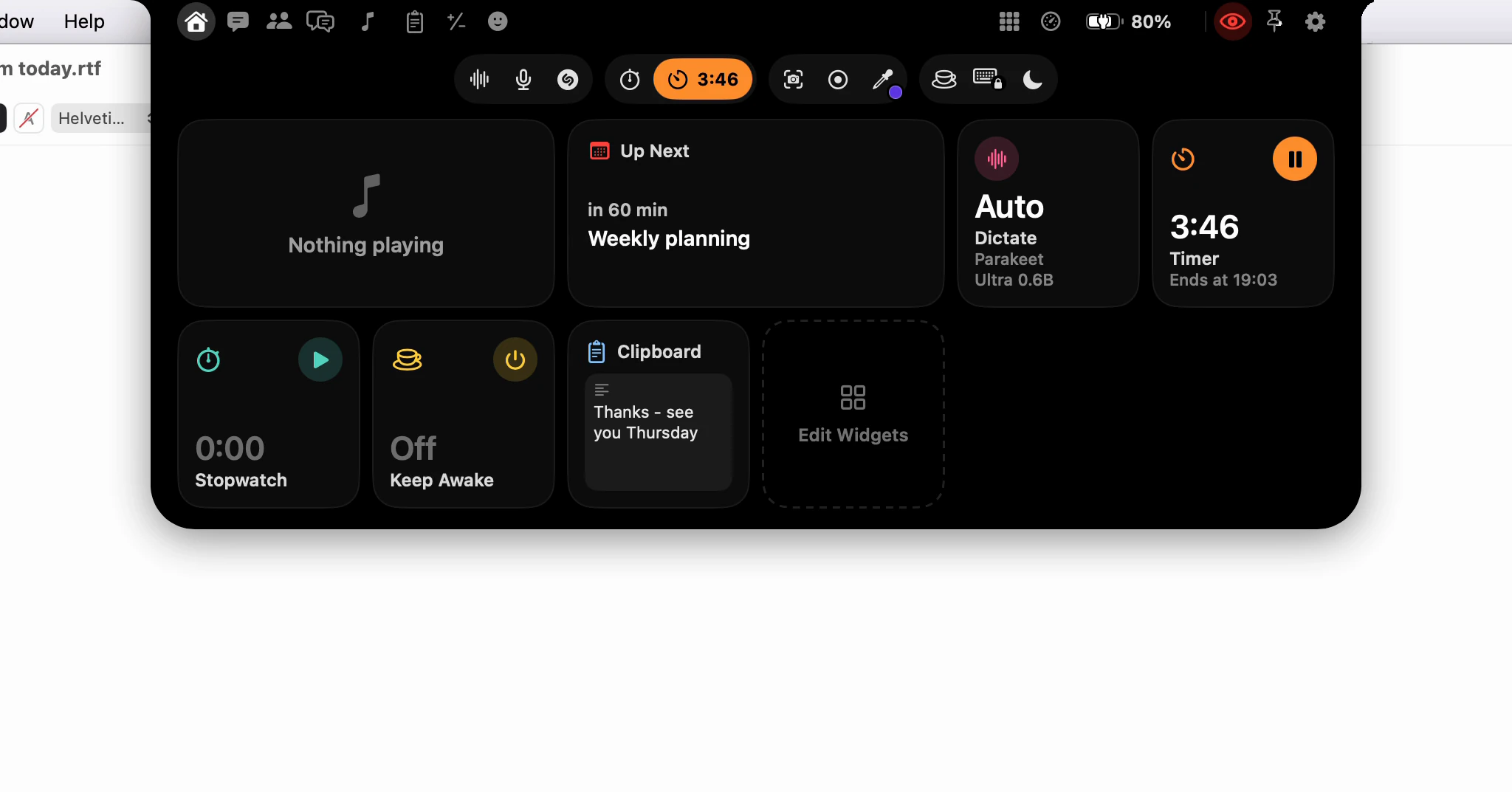
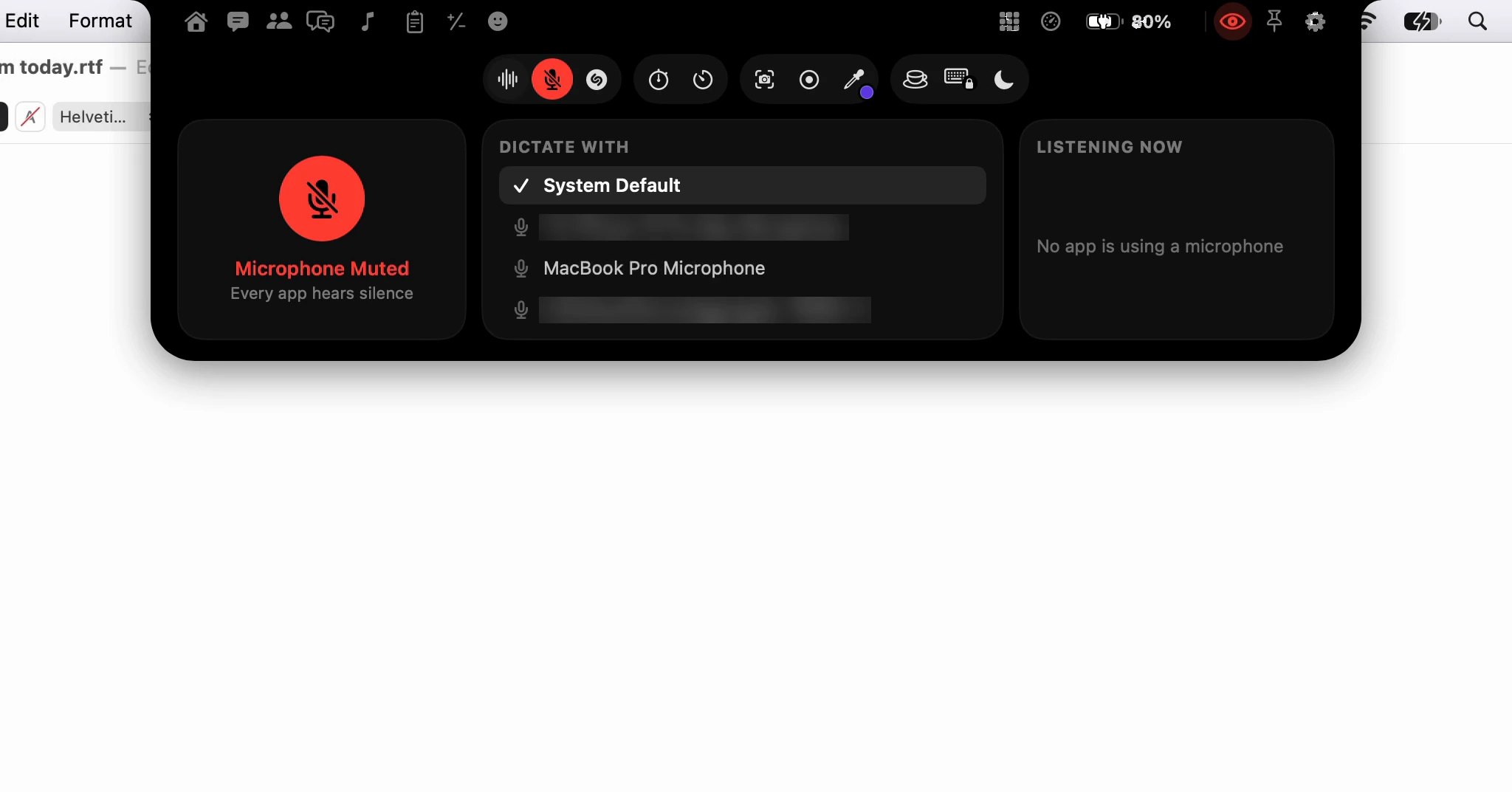
How do I open the notch: point, click or a shortcut?
Point at the notch and it opens. If that's too eager, turn off Hover to Open and click it instead. From the keyboard, ⌥⌘I opens it in any app, and Open Notch in the menu bar always works.
What happens when I point at it?
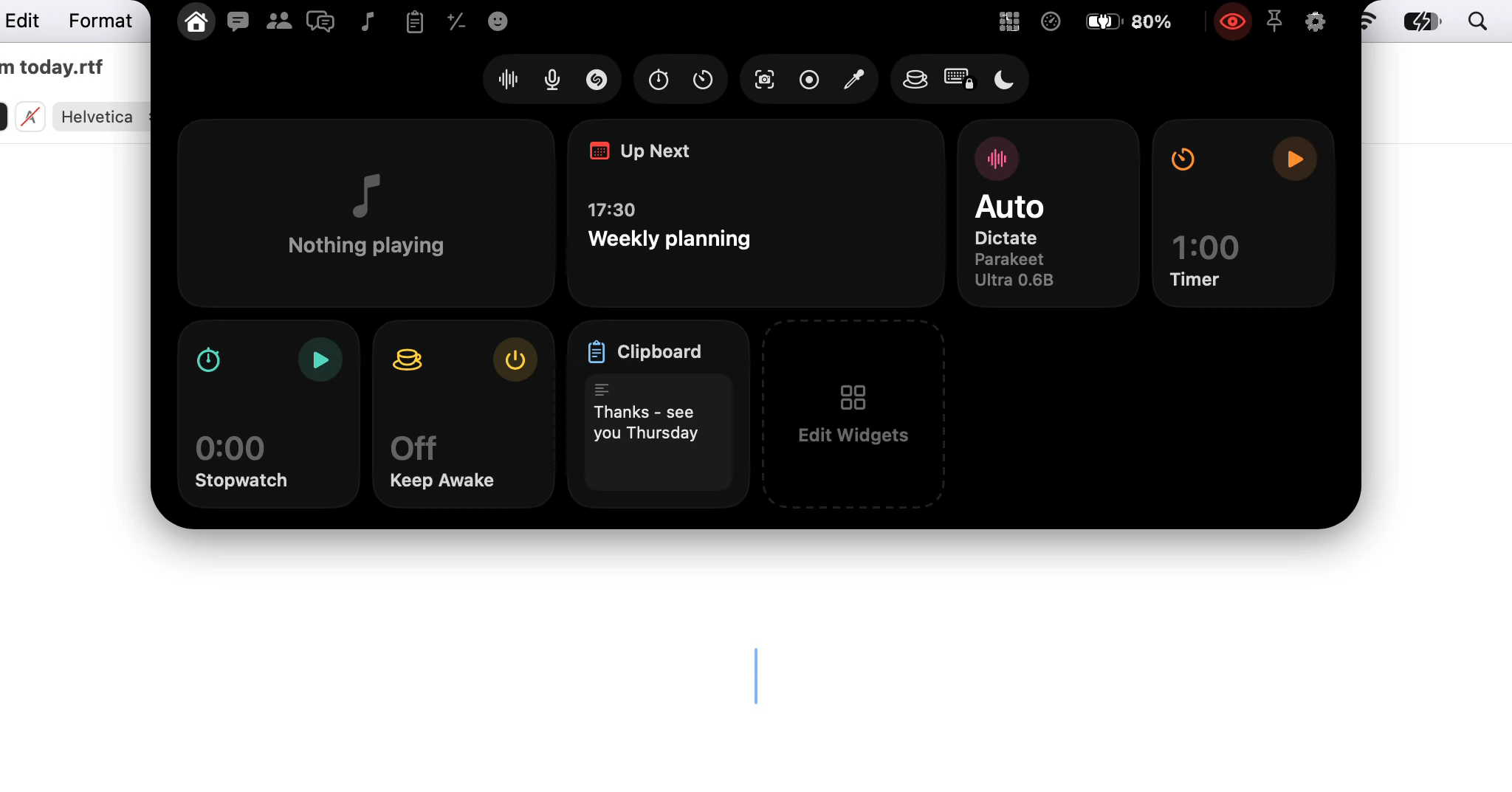
Rest the pointer on the notch for a tenth of a second and it opens, on the page you used last. Move away and it closes again.
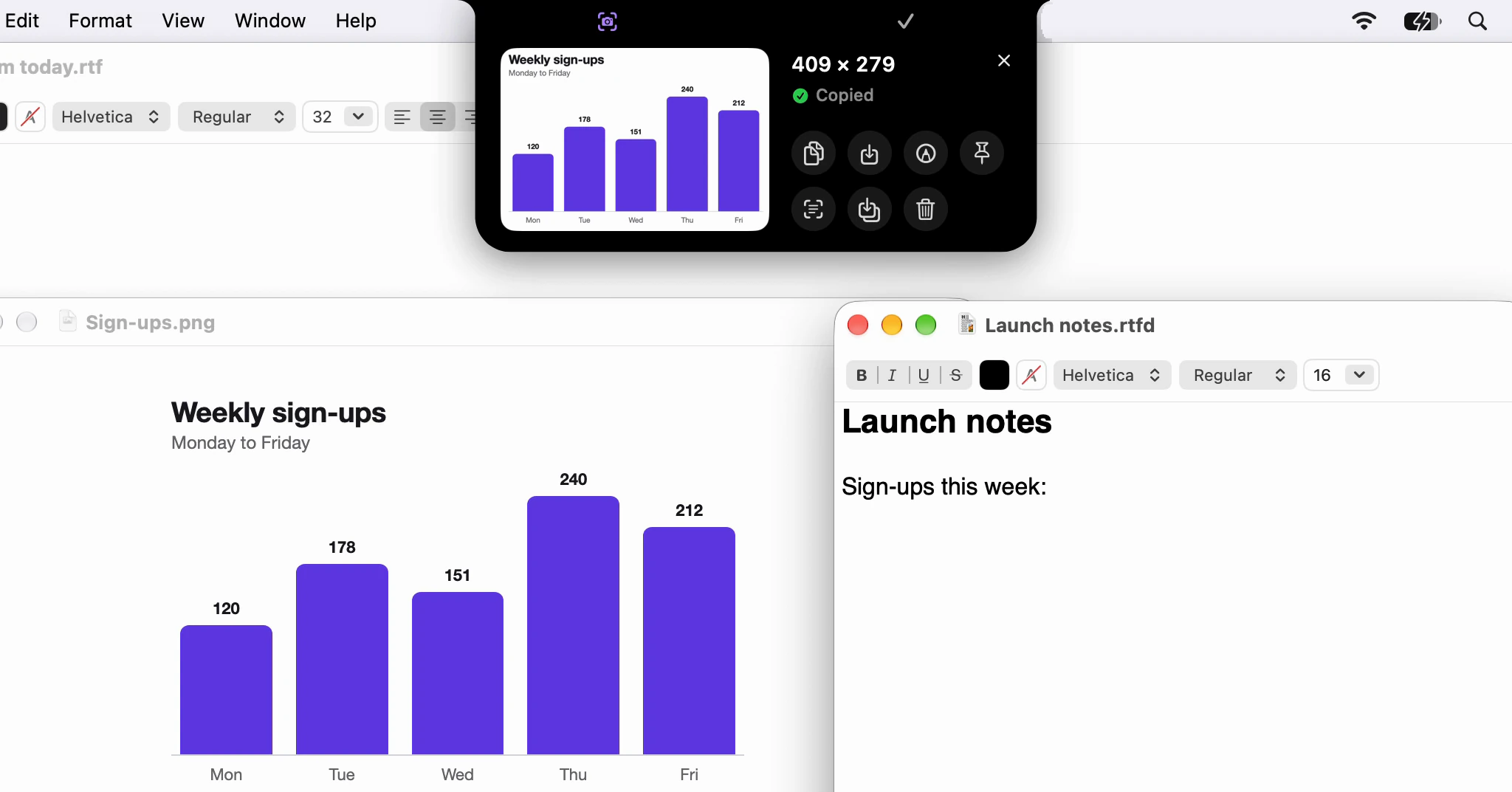
When something is showing on the strip, such as a song, pointing drops that thing's card instead. Click the song card anywhere but its buttons for the whole notch, on Home.
A display without a notch is used the same way. In the Notch shape, point at the stand-in Dictera draws there; in either shape, push the pointer against the middle of the top edge. It waits a quarter of a second there, so a trip to the menus doesn't set it off.
If you moved the notch to the bottom of the screen, in Settings ▸ Notch ▸ Appearance ▸ Position, rest the pointer on the middle of the bottom edge instead. Set to Free, the notch is wherever you dragged it, and it opens only from the keys or the menu bar.
Can I make it open only when I click?
Yes. Turn off Hover to Open in Settings ▸ Notch ▸ Behavior, and pointing does nothing: you click the notch to open it. That suits you if your pointer often crosses the top of the screen.
Auto-Collapse, in the same place, decides how it closes. On, as it starts, the notch folds away once the pointer leaves; off, it stays until you click somewhere else.
Is there a keyboard shortcut?
⌥⌘I, on from the start, once Dictera has Accessibility. It opens the notch on the display you're working on, wherever the pointer is, on the page you used last. Press it again to close it, pinned or not.
Opened from the keys, the notch waits for you: it closes once the pointer has been over it and left, or when you click somewhere else. While Dictera runs, the combination is taken from browsers' developer tools and from Show Inspector in the Finder; change it in Settings ▸ Shortcut if you use those.
And the menu bar?
Choose Open Notch from Dictera in the menu bar. It opens on the display the pointer is on, which helps when you have two screens.
The keys and the menu bar also work where pointing doesn't: over a full-screen app, if you've turned off Show Over Full-Screen Apps.
Which should I use?
Pointing, if your hands are on the trackpad; the key, if they're on the keyboard. Nothing stops you using both. For what each button does once it's open, see What's in the notch?; for the settings that keep it quiet, Will the notch get in the way?; and for every tool, the notch page and features.