
Inside Dictera.
Guides to every feature, what is new and what comes next, and the reasoning behind the way the app is built.
Page 2 of 5
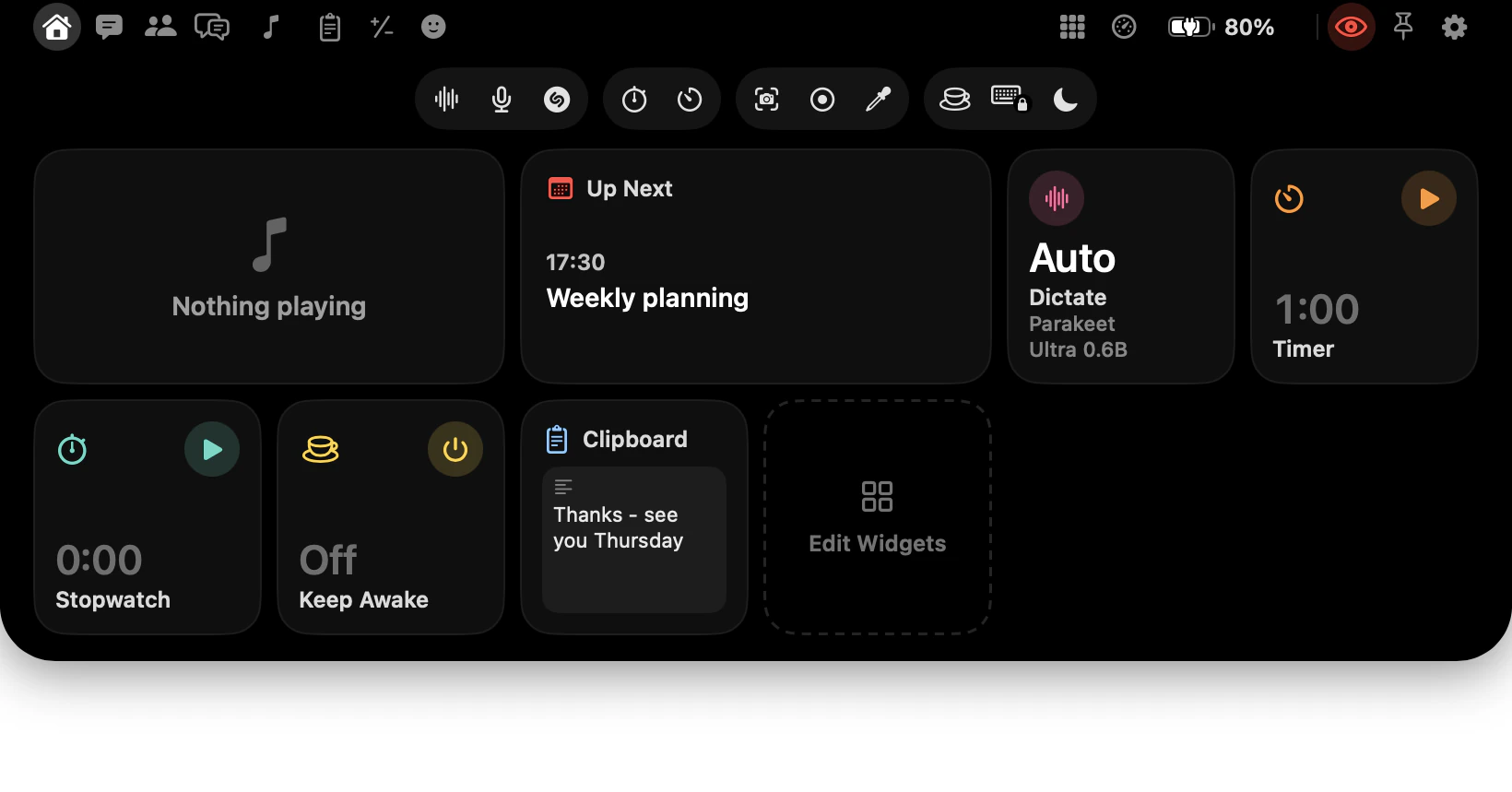
What's in the notch? A map of every page and button
Every button in the notch and what it opens: your pages left of the camera, this Mac on the right, four groups of tools below, and what a hold adds.
· 9 min read
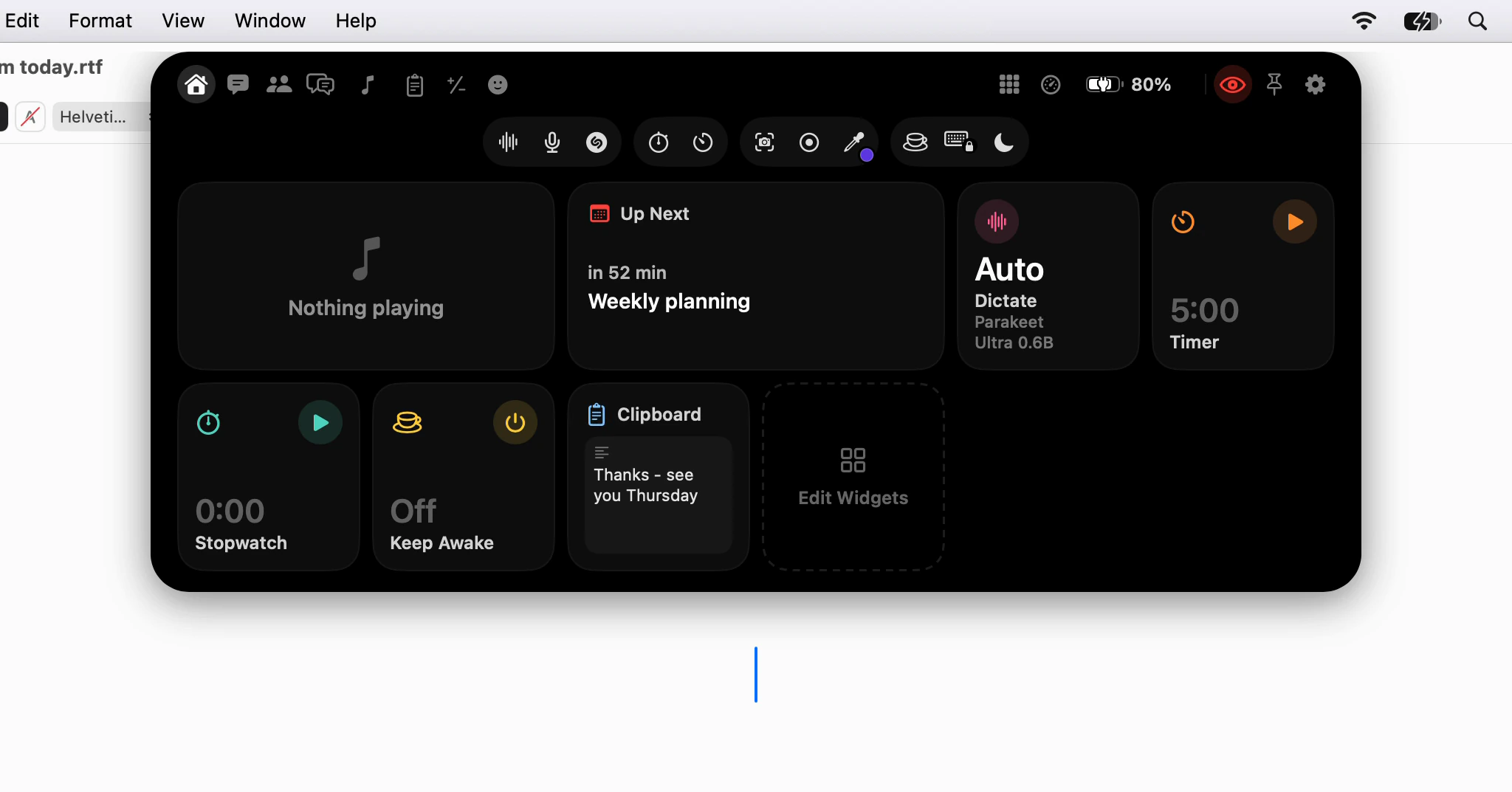
Will the notch get in the way of what I'm doing?
Closed, the notch shows nothing; open, it never takes your cursor. Full-screen apps, screen sharing, motion, the menu bar, and the setting behind each.
· 7 min read
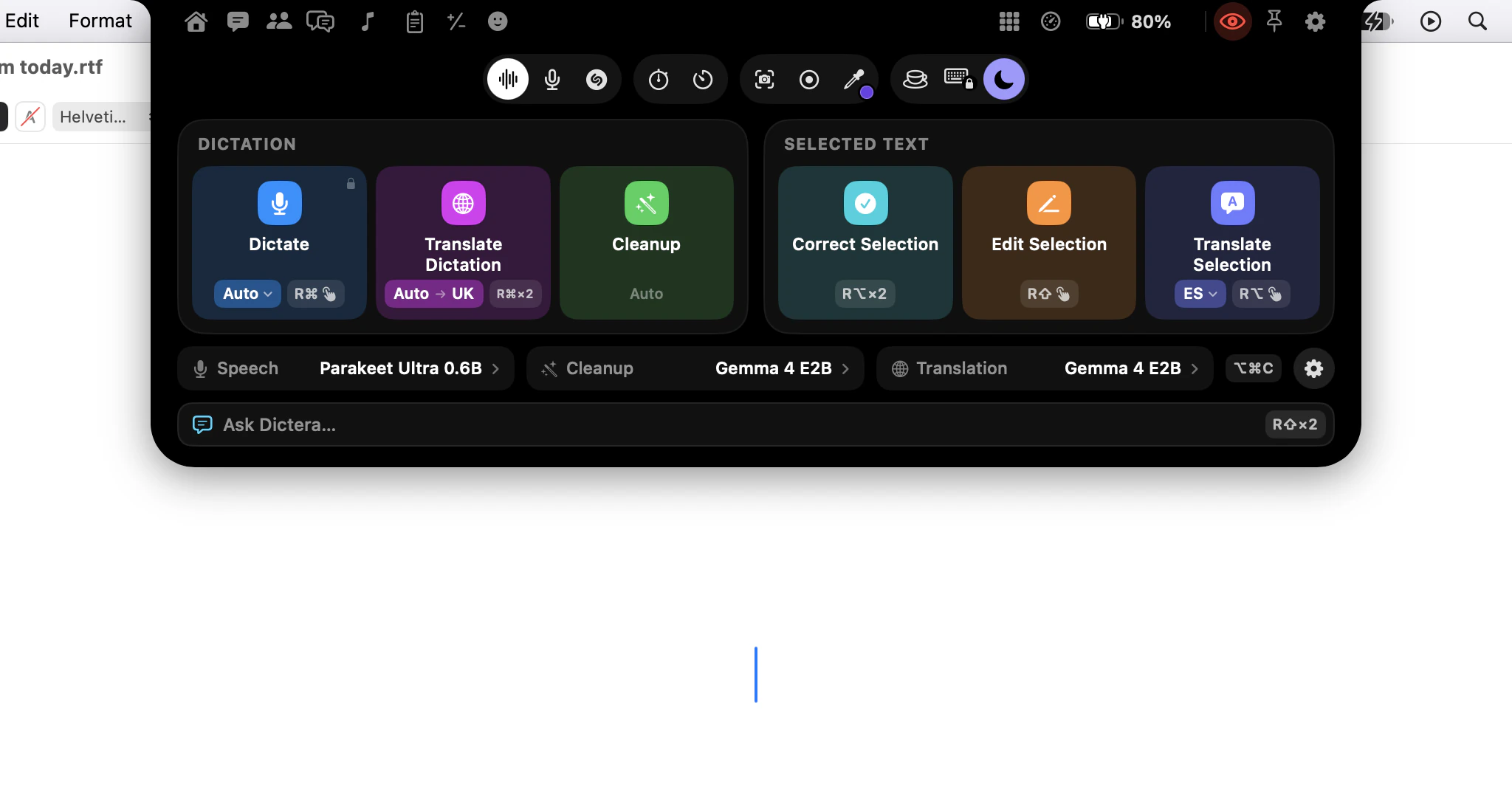
Where did Quick Controls and the assistant's tabs go?
Updating Dictera? Quick Controls, Ask Dictera, the assistant's tabs and the day's agenda moved into the notch. Here's where each one is now, and what changed.
· 5 min read
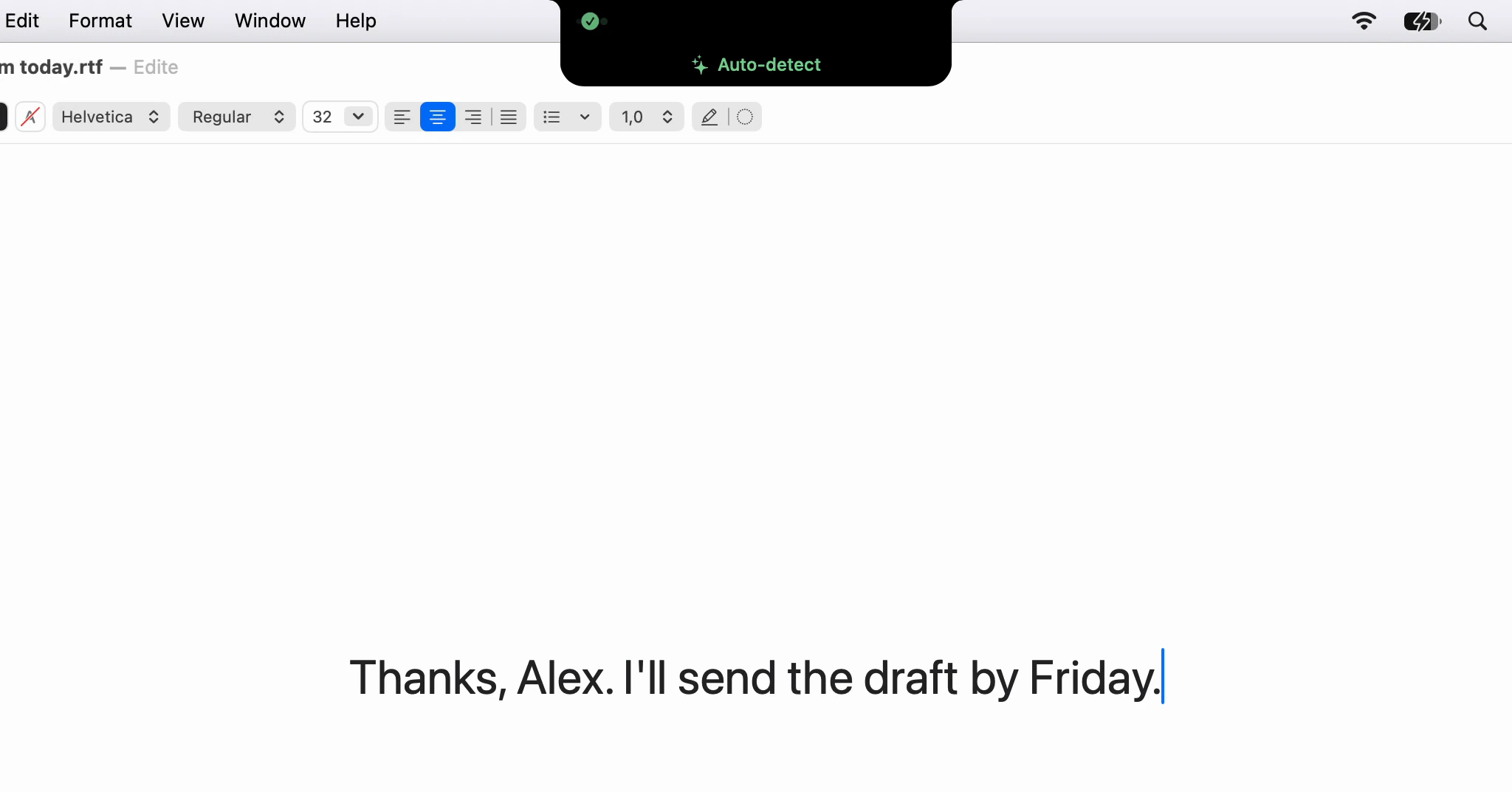
Why Dictera moved into the notch
Dictera used to open floating panels around the screen. Why they became pages of the notch, why the menu bar only stops things, and why there is no off switch.
· 4 min read
Why a Gemma model cleans up your text
Cleanup once ran on Apple's own model. Why it moved to a small open model you download once, and why the job it is given is narrower than what it could do.
· 4 min read
Your own model for meetings: when a local server wins
The built-in model writes up a short call well. A long one, or one you need in a hurry, can go to a model you run yourself, still on your Mac or your network.
· 7 min read
Chat that stays on your Mac: when it beats a web assistant
A web assistant is bigger and knows the news. A chat on your Mac keeps the conversation off anyone's server. When each is the right one, and how to use both.
· 8 min read
Writing an email by voice, start to send
Dictate the body a paragraph at a time, say the structure, and fix sentences by voice instead of retyping them. A routine for email, first word to Send.
· 8 min read
Dictating in a noisy room: microphone and silence settings
Background noise costs dictation twice: in the words the model hears, and in when a recording ends. A closer microphone fixes one, three sliders the other.
· 8 min read
History: find, pin and export a past dictation
Every dictation is kept on your Mac for 30 days unless you say otherwise. How to search it, put it back into an app, pin what you reuse and save it all as text.
· 2 min read
Ask a question during a live call, without leaving it
Pick a template, open Assist from the notch, set the language and start listening. Then press Answer, switch on Auto, or use ⌥⌘A from any app.
· 5 min read
Why the transcript has two labels and not names
Every line in a meeting transcript says You or Them, never a name. Why Dictera does not guess at voices, and where the names in your notes come from.
· 5 min read
Every new article, in your reader · Subscribe with RSS