Say the punctuation: the commands that work in every app
Dictation gets the words right long before it gets the shape right. Nine spoken phrases handle the shape: line breaks, paragraphs, the marks a sentence needs, and a way to throw a dictation away without touching the keyboard.
Most punctuation you do not have to say
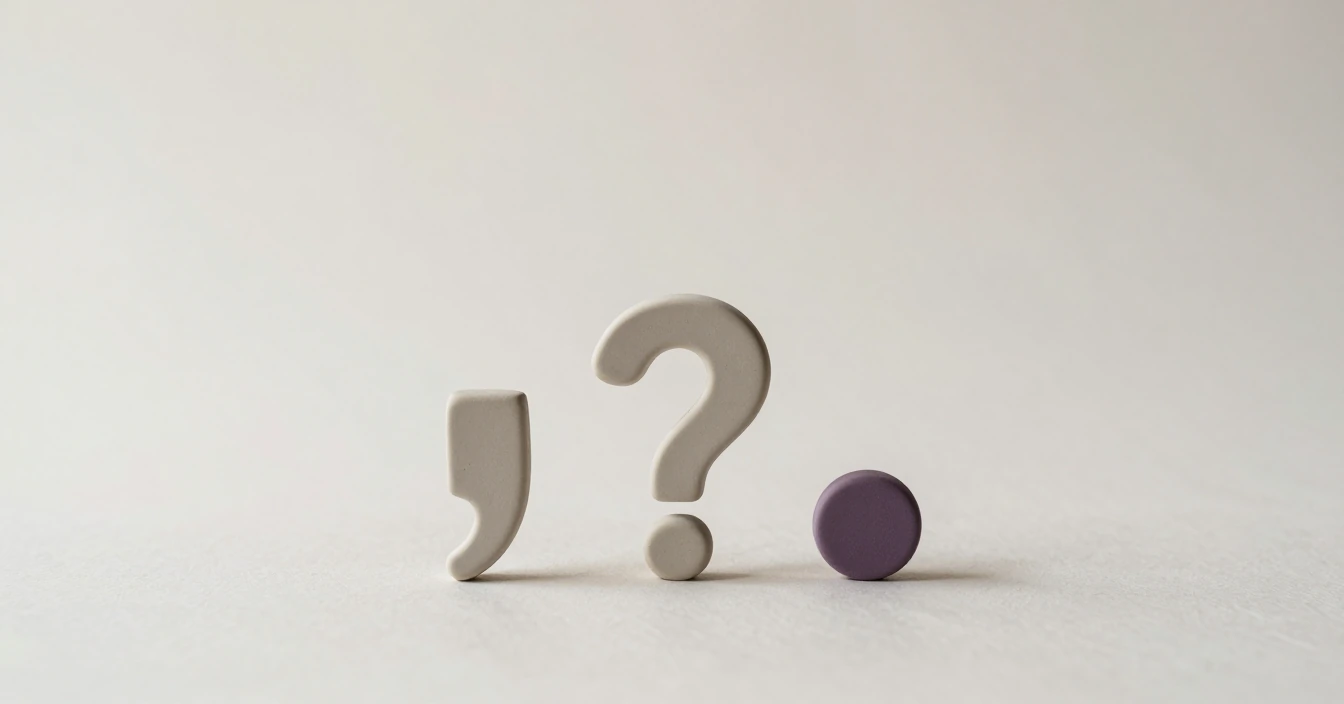
Every dictation in Dictera passes through an on-device cleanup model before it lands. That model adds the commas and full stops, removes "um" and "so, yeah", and fixes the capitals, so a plain sentence spoken at a normal pace arrives punctuated. If you learned dictation on older software, the reflex to say "comma" after every clause can go. Most of the time it only gets in the way.
What the cleanup model cannot know is where you wanted a paragraph to end, whether that last clause was a question, or that you have changed your mind about the whole thing. Those are the gaps the commands fill.
The nine commands
| Say | You get |
|---|---|
| "new line" | A line break |
| "new paragraph" | An empty line, so a new paragraph |
| "comma" | , |
| "period" or "full stop" | . |
| "question mark" | ? |
| "exclamation mark" or "exclamation point" | ! |
| "colon" | : |
| "semicolon" | ; |
| "scratch that" or "delete that" | The dictation is discarded |
The phrases are English, whatever language you are dictating in. They are matched as text after the speech model has finished, not as sounds, so they behave the same with every one of the four speech engines Dictera offers. How reliably a given model hears an English phrase dropped into the middle of a Ukrainian sentence is another matter, and it varies. The structural two, "new line" and "new paragraph", survive best: two clear words with a pause on either side.
Speech models often punctuate the command itself, so "New line." or "comma," arrives wearing its own mark. Dictera expects that and swallows the punctuation on both sides of a command. A space is added after a mark when text follows it, and doubled spaces are collapsed, so "hello comma world" comes out as "hello, world" and not "hello , world".
Where they earn their place
Paragraphs
This is the command you will use most. Left to itself, a cleanup model has no way of knowing that "Thanks for the update" and "I have two questions" belong in different paragraphs, and it will happily produce one dense block. Say "new paragraph" at the break and an email dictated in one breath arrives looking like one you typed.
Questions
Rising intonation does not survive transcription. A model decides between a full stop and a question mark from the words alone, and "you're joining tomorrow" reads as a statement. "You're joining tomorrow question mark" removes the guess.
Lists
There is no "bullet" command. Dictate a list as one line per item, with "new line" between them, then add the dashes by hand, or select the lines afterwards and say "turn this into bullet points", which is one hold of a different key. For a short inline list, "colon" followed by the items works the way it would in speech.
With cleanup off, they are all you have
The cleanup model can be switched off, in Settings or mid-flow from Quick Controls in the notch, and there are moments when you want that: dictating into a code comment, a terminal, or a form that will be read by a machine, where you want exactly the words you said and nothing added. With cleanup off, the commands are the only punctuation you get. That is when the full set earns its keep, "period" and "comma" included, and when it is worth remembering that a command swallows the punctuation around it, so the result is still clean. If cleanup is on but fails for some reason, you get the raw transcript rather than nothing, with the commands already applied.
Scratch that, precisely
"Scratch that" is not an undo, and it is worth being exact about what it does. It works only when it is the whole of what you said: press the shortcut, say "scratch that", let go, and nothing is typed. The dictation is thrown away before it reaches the cleanup model.
Its job is cancelling a recording by voice. That matters when your hands are elsewhere, or when you are using stop on silence and there is no key to release and no Esc within reach. It does not remove text already on the page. For that, ⌘Z in the app you are in does what it always did. Said in the middle of a sentence, "scratch that" is just two more words, and they will be typed.
When a command is heard as a word
The failure that does happen is the reverse one: you meant the word. Dictate a paragraph about anatomy and "the colon" gains a stray mark; a note about the end of a sentence loses its "period". Voice commands are a switch in Settings, not a fixture, and the reference list of phrases sits next to it. Turn them off for the session and back on afterwards. The cleanup model still punctuates ordinary sentences either way.
A whole email, one hold of the key
Said, in one recording:
Hi Sam comma thanks for the update new paragraph two questions colon new line does the beta still ship on Friday question mark new line and do you need anything from us before then question mark new paragraph thanks comma Ana
Typed:
Hi Sam, thanks for the update.
Two questions:
Does the beta still ship on Friday?
And do you need anything from us before then?Thanks, Ana
Half of those commands were optional. The cleanup model would have supplied the comma after "Hi Sam" and the full stops on its own; the paragraph breaks and the question marks are the ones that needed saying. That is the habit worth building: say the structure, and let the model handle the rest.
Everything above works in any app that takes text, because the commands are applied before the text is typed. The dictation page has the rest of what happens between the key going down and the words landing.