Link your calendar so a recording starts on time
The meetings people forget to record are the ones that started while they were still finding the window. Connect your calendar and the notch asks just before each meeting whether to record it, so the recording begins on its first word. Nothing is recorded unless you say so.
Where the switch is
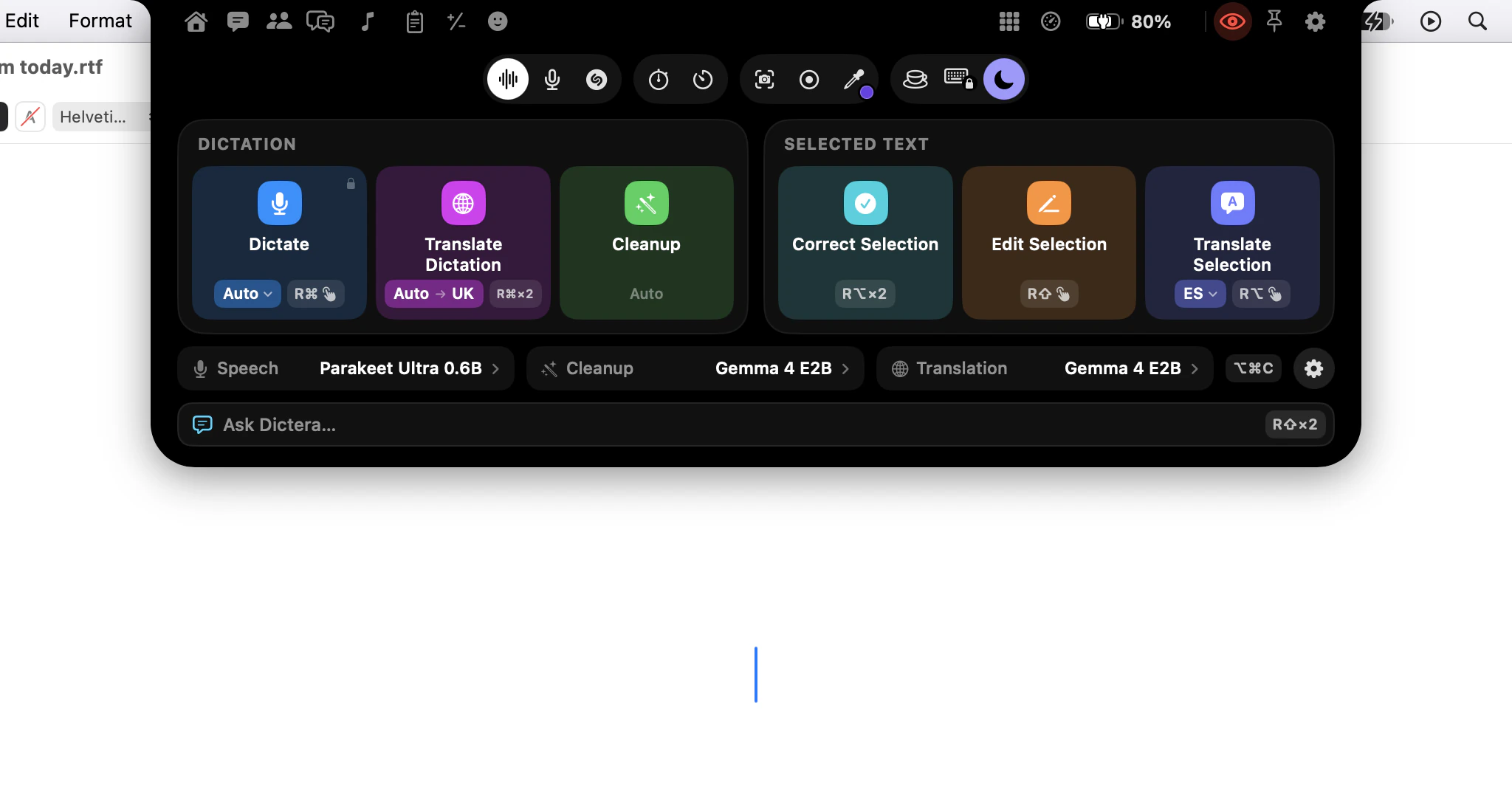
Open Settings, choose Calendar, and press Connect my calendar: a short explainer, then the macOS permission prompt. The welcome tour and the notch's Meetings page offer it too, and nothing is read until you say yes.
Everything comes from the accounts already set up in the Calendar app, so iCloud, Google, Outlook and Exchange all work without a second sign-in. Access is read-only: Dictera cannot write an event, and no bot ever joins the call.
What happens before a meeting
Before a meeting starts is set to Ask whether to record. Shortly before the meeting, a card drops out of the notch with its title, Record now and Skip, plus a button to join the call when the invite has a link. Record now catches the first word; leave it, and nothing is recorded. Give me sets how early it asks: 15 seconds, 30 seconds or a minute, the default.
Do nothing never asks. Record automatically starts without asking and shows that it has; keep it for meetings where everyone knows they are recorded.
A countdown on the notch
For the last five minutes before a meeting, the notch also counts down to it. Point at it for Join and Record. Count Down to the Next Meeting, in Settings ▸ Notch, switches it off.

Which entries count as meetings
Calendars to watch is a list of tick boxes - unticking one is how a personal block stops looking like a meeting. Within them, Dictera ignores all-day entries, cancelled ones, anything you declined, anything shorter than five minutes or longer than four hours, and anything with neither guests nor a call link. Titles are never read for keywords.
Skip the same recurring meeting twice and Dictera stops asking about that one. What it has learned is listed under Individual meetings, where you can override any series or clear the lot.
Under Privacy in the same pane, "Send attendee names to remote engines" starts off, so names read from your calendar reach only the built-in model. Email addresses are never stored at all.
Then forget about it
A recording started this way knows which meeting it belongs to and who was invited, which lets the notes name owners on action items. The rest is on the meeting notes page, and what your calendar contributes is listed on the security page.