Skip to content
Dictera
Dictation AI Assistant Pricing Tutorials Blog Download
Tutorials

Get up and running in minutes.

Short, friendly walkthroughs of everything Dictera can do.
▶

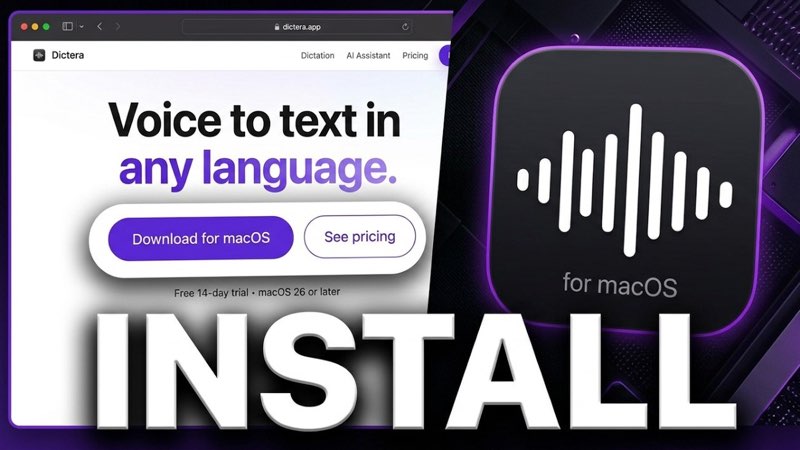
Download, install & first launch

Get Dictera onto your Mac, grant the permissions it asks for, and finish your first dictation.

1:55 · YouTube

▶

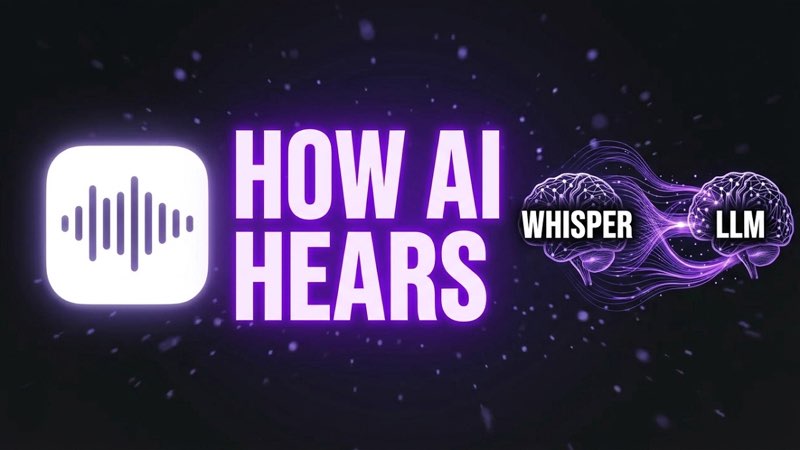
How Dictera understands any voice

The two AI models behind every dictation: one turns sound into words, the other turns those words into writing.

2:02 · YouTube

▶

Voice to text: one key, any app

Hold the key, talk, let go - the words land where you were already typing. Punctuation, paragraphs and switching language mid-sentence.

4:13 · YouTube

▶

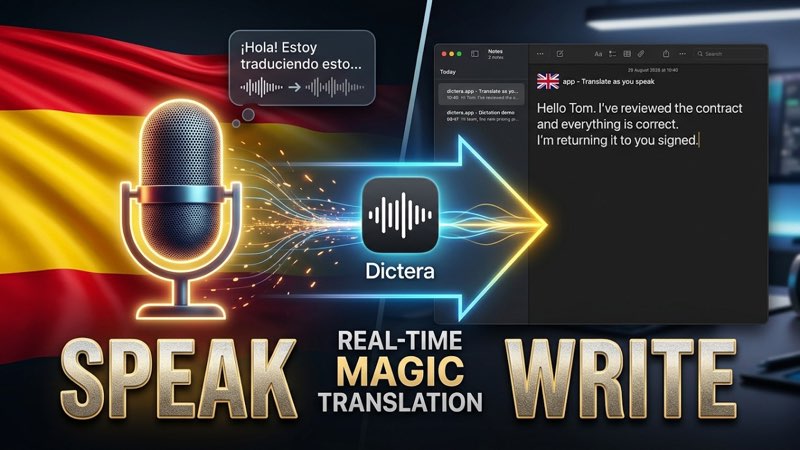
Translate as you speak

Set the direction, tap one key twice, and talk. Your words come out in one of 29 languages - with the Wi-Fi off.

3:13 · YouTube

▶

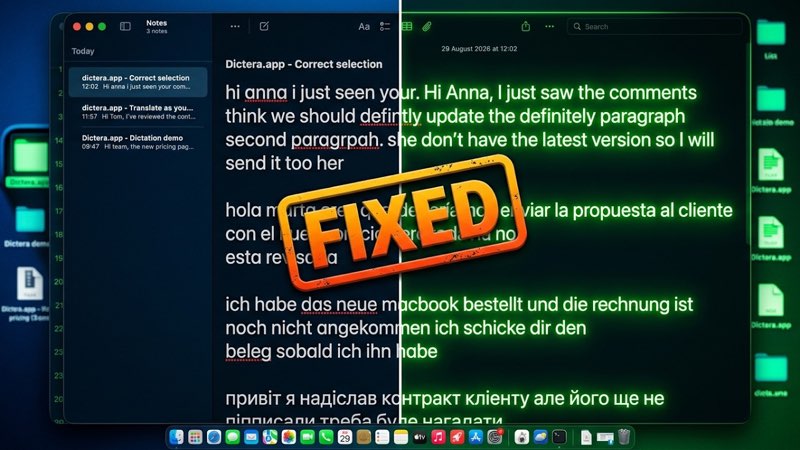
Fix any text with one shortcut

Select what you wrote, double-tap, and get the same words back with the spelling, grammar and accents fixed - in 140+ languages.

3:44 · YouTube

🎬 More video tutorials coming soon - subscribe on YouTube. Questions in the meantime? info@dictera.app

Dictera

Private, on-device voice-to-text for macOS.

Dictation

OverviewLanguages & modelsWriting toolsAll features

AI Assistant

OverviewMeeting NotesAssistChat

Product

PricingDownloadChangelogTutorialsBlog

Company

Securityinfo@dictera.appPrivacy PolicyTerms of UseRefund Policy
© 2026 Dictera. All rights reserved.Made for macOS